Adblock Plus
- 2.13K
- 4.8
- Installs
- 130.00M
- Version
- Varies with device

Screenshots




Pros
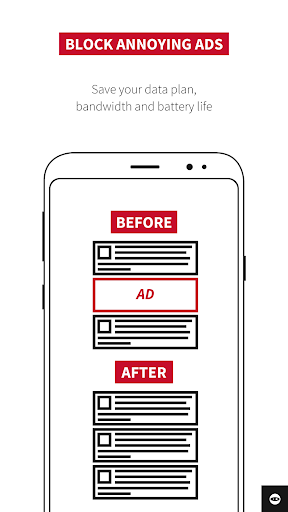
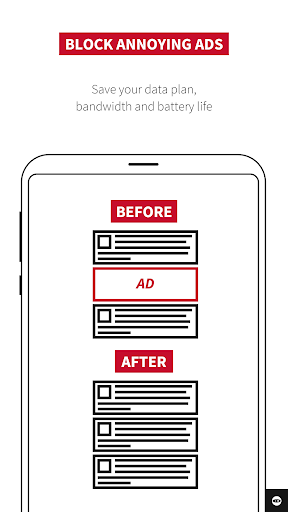
ABP for Samsung Internet blocks intrusive ads and pop-ups across websites, improving page load times, reducing data consumption and lowering battery use. By removing banners, video ads and autoplay elements, it creates a cleaner, faster browsing experience on Samsung devices—especially helpful for users on limited data plans or slower networks.
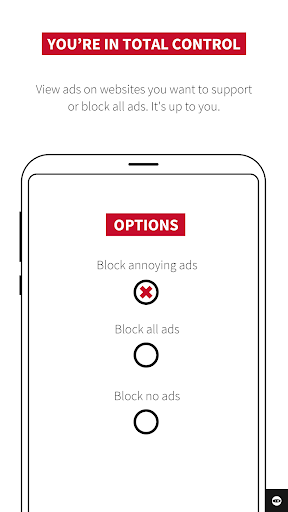
Customize ABP for Samsung Internet with curated filter lists, element-blocking tools and an easy whitelist to support favorite sites. Users can enable or disable Acceptable Ads, add subscription lists like EasyList, and fine-tune blocking rules—giving beginners and power users precise control in minutes without needing technical expertise.
ABP protects privacy by blocking trackers, third-party scripts and malicious domains, and it prevents cryptomining and intrusive analytics. Regular filter updates and compatibility with Samsung Internet ensure ongoing protection without slowing the browser, making it a lightweight, security-focused extension that helps keep personal data safer while you browse.
Cons
ABP for Samsung Internet can sometimes break site functionality. Aggressive filtering may block scripts, login forms, or media players, causing missing content or broken interactive elements. Users often must whitelist trusted sites or tweak filters, which is inconvenient and undermines the “set it and forget it” convenience expected from mobile browsers.
Some ads and sponsored content slip through ABP’s filters, particularly native ads, video pre-rolls, and in-app promotions that use dynamic serving or obfuscation. Additionally, many websites employ anti-adblock measures that detect extensions and restrict access, forcing users to disable protection or sign up — defeating the purpose of an ad-blocker.
ABP for Samsung Internet can consume extra CPU, memory, and battery on older or low-end devices because filter matching runs continuously. It also enables “acceptable ads” by default, allowing some advertising through unless manually disabled — a privacy annoyance for users who want comprehensive, out-of-the-box blocking without extra setup.
Latest Update: Language filter list recommendation
Adblock Plus is rolling out a new feature that recommends users who frequently visit websites in other languages to add the corresponding language filter list. When users frequently visit websites in other languages but don’t have the necessary filter list installed to block ads on those sites, they will be notified and provided with the option to add that filter list. Besides, this release also contains some general user interface improvements including descriptive custom filter error messages and an error message that’s shown when a filter list contains disabled filters.


