Smart Printer
- 1.27K
- 4.5
- Installs
- 820.00M
- Version
- Varies with device

Screenshots

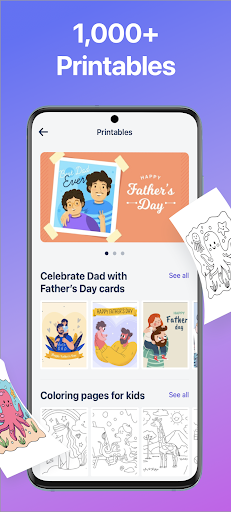
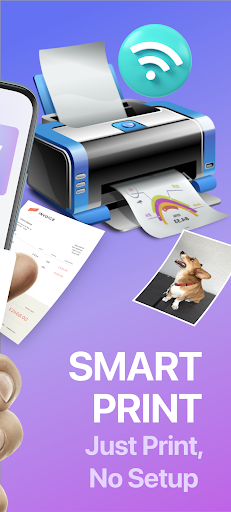

Introduction to Smart Printer: A Modern Solution for Printing on the Go
In a world increasingly reliant on digital documentation, the need for efficient, portable, and user-friendly printing solutions has never been greater. Enter Smart Printer, a mobile app that transforms your smartphone into a powerful printing hub. Designed to bridge the gap between convenience and functionality, this app promises to simplify your printing tasks whether you're at home, in the office, or on the move. With its intuitive interface and robust compatibility, Smart Printer stands out in a crowded market of printing utilities. In this review, we'll explore how this app redefines the printing experience, highlighting its unique features and competitive edge over traditional methods.
Seamless Connectivity and Versatile Compatibility
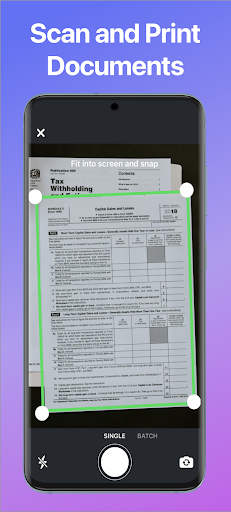
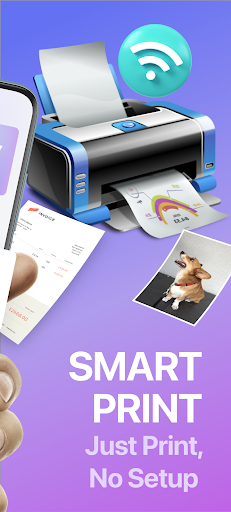
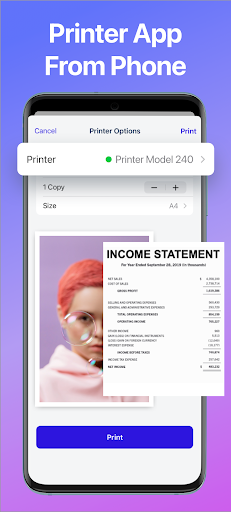
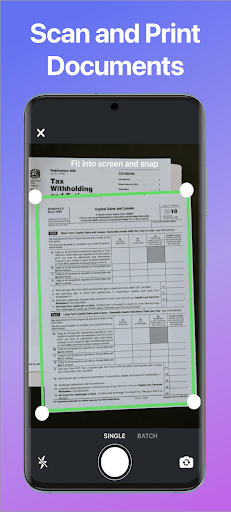
One of the standout aspects of Smart Printer is its ability to connect effortlessly with a wide range of printers, regardless of brand or model. Unlike many apps that limit you to specific manufacturers, Smart Printer supports both Wi-Fi and Bluetooth connections, ensuring compatibility with HP, Canon, Epson, Brother, and numerous others. This flexibility eliminates the frustration of hunting for printer-specific apps or drivers. Additionally, the app integrates with cloud services like Google Drive, Dropbox, and iCloud, allowing you to access and print documents, photos, and PDFs directly from your digital storage. For users who frequently handle different file types, Smart Printer's support for formats such as JPEG, PNG, DOCX, and even spreadsheets makes it a versatile tool in any professional or personal setting.
User-Friendly Interface and Smart Features
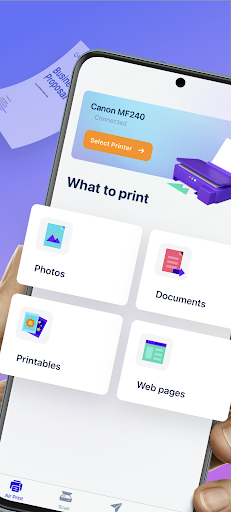
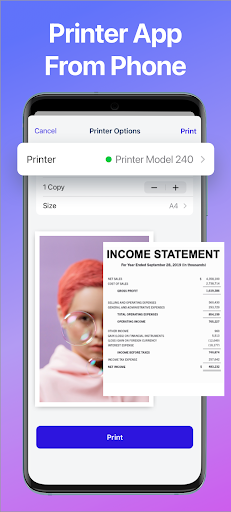
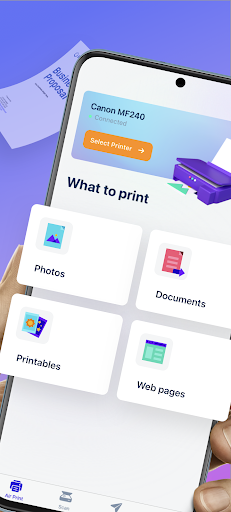
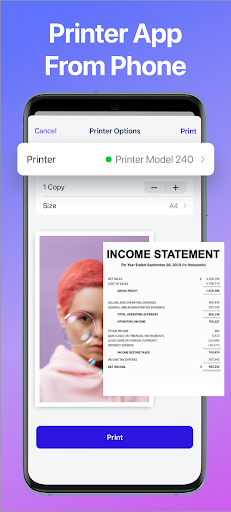
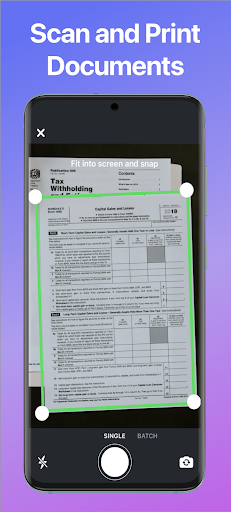
Navigating Smart Printer is a breeze, thanks to its clean and logically organized dashboard. Upon launching the app, users are greeted with clear options to select a printer, choose files, or adjust settings. One of its most compelling features is the "Smart Detection" tool, which automatically identifies the optimal print settings—such as paper size, orientation, and quality—based on the content being printed. This eliminates guesswork and reduces waste, a critical advantage for eco-conscious users. Moreover, the app includes a preview function that lets you review pages before printing, and advanced options like duplex printing and color adjustments are just a tap away. For businesses or students on a budget, the cost estimation feature provides a real-time breakdown of ink and paper usage, helping you manage expenses effectively.
Speed, Reliability, and Mobile Freedom
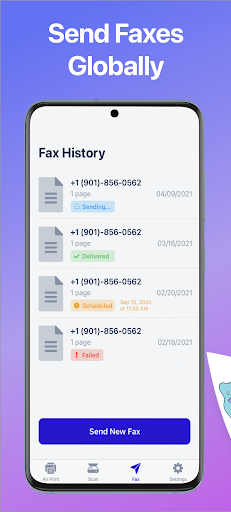
Speed is a key factor in any printing app, and Smart Printer delivers impressively fast job processing. Tests show that a standard text document can be transmitted and printed in under 10 seconds, while high-resolution photos render with crisp detail in about 30 seconds, depending on your printer's capabilities. The app's reliability is bolstered by its offline mode, which allows you to queue print jobs without a constant internet connection—a lifesaver in areas with spotty Wi-Fi. Furthermore, the app's lightweight design ensures it doesn't drain your device's battery or consume excessive memory. For remote workers and travelers, the ability to print from anywhere within your local network or via a dedicated cloud portal offers unrivaled freedom, making it a standout choice for those who need productivity on demand.
Unique Selling Points: Security and Customization
What truly sets Smart Printer apart from competitors is its emphasis on security and customization. The app employs end-to-end encryption for all data transmitted between your device and the printer, protecting sensitive documents from interception—a feature often overlooked in other printing apps. Users can also create custom profiles for different tasks, such as "Photo Print" or "Quick Draft," which save preferred settings for rapid access. Another competitive edge is the built-in editing suite, which allows you to crop, rotate, or adjust brightness before printing, reducing the need for additional software. Compared to alternatives like PrinterShare or Canon PRINT, Smart Printer offers a more streamlined experience with fewer ads and a faster learning curve. Its free version includes essential features, while the premium subscription unlocks unlimited cloud storage and priority support, providing excellent value for power users.
Conclusion: Why Smart Printer Deserves a Spot on Your Phone
Smart Printer is more than just a printing tool; it's a comprehensive solution that adapts to your lifestyle. Its robust compatibility, intuitive design, and innovative features like smart detection and cost tracking make it a top contender in the mobile printing space. Whether you're a student rushing to print assignments, a professional preparing presentation materials, or a home user organizing family photos, this app delivers consistent performance without the typical headaches. While it may not replace high-end office printers for massive volumes, its portability and ease of use ensure it excels in everyday scenarios. For anyone seeking a reliable, feature-rich printing app that prioritizes both efficiency and security, Smart Printer is a smart choice indeed.


