Brave Privacy Browser
- 1.22K
- 4.8
- Installs
- 790.00M
- Version
- Varies with device

Screenshots






Introduction: Why Your Browsing Experience Needs a Change
In an era where every click, search, and scroll is tracked, monetized, and stored, the Brave Privacy Browser emerges as a digital shield for your online life. Unlike conventional browsers like Chrome or Safari, which rely on advertising revenue and data collection, Brave redefines what it means to browse the web—fast, private, and user-centric. Designed by Brendan Eich, co-founder of Mozilla and creator of JavaScript, this app is not just a browser; it’s a movement toward a more transparent internet. With over 50 million monthly active users, Brave has proven that privacy doesn’t have to sacrifice performance or convenience.
The Core of Privacy: Built-in Ad and Tracker Blocking
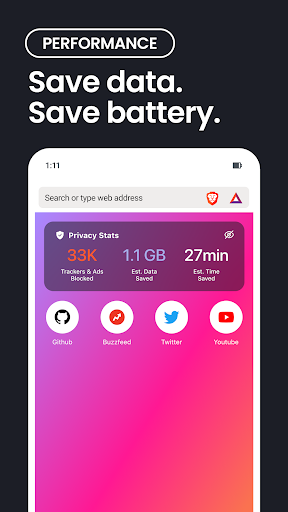
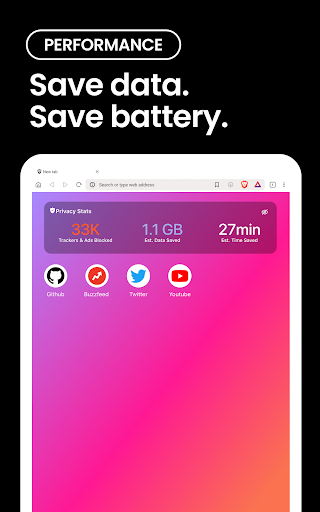
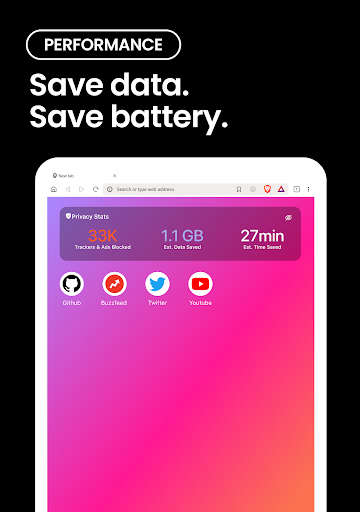
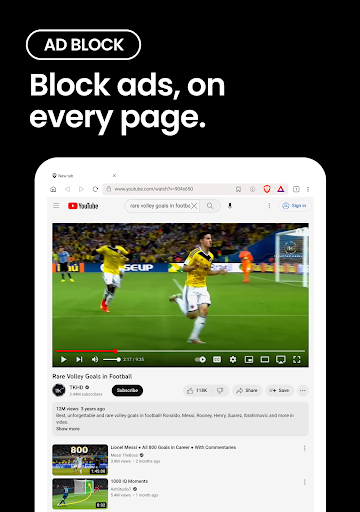
Brave’s most compelling feature is its native ability to block ads, trackers, and third-party scripts without needing external extensions. By default, the browser uses a built-in ad-blocking engine that prevents websites from loading intrusive banners, pop-ups, and analytics scripts. This speeds up page load times by up to three times compared to traditional browsers. For example, visiting news sites like CNN or The Guardian on Brave eliminates the clutter of auto-playing videos and cookie consent forms, allowing you to focus on content. The result? Less bandwidth usage, longer battery life on mobile devices, and a clutter-free experience. Unlike other browsers that require manual configuration, Brave works out of the box—just download and browse.
Rewards That Respect Your Privacy: The Brave Rewards System
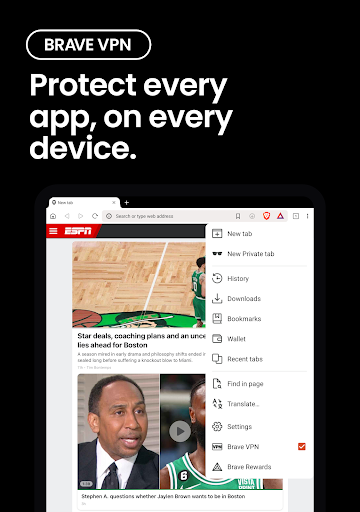
A standout innovation is Brave’s unique Basic Attention Token (BAT) ecosystem. Instead of passively profiting from your data, Brave Rewards lets you support your favorite creators directly through optional, privacy-respecting ads. You can opt into non-intrusive, anonymous ads and earn BAT tokens, which can then be tipped to websites, YouTubers, or publishers you value. For users who prefer a completely ad-free experience, simply disable ads in settings. This system flips the traditional advertising model on its head: you control your attention, and you get compensated. As of 2023, over 1.5 million creators have signed up for Brave Rewards, making it a practical tool for ethical microtransactions.
Performance That Speaks for Itself: Speed and Efficiency
Brave’s privacy features do not come at the cost of speed. In fact, the browser is engineered for performance. Benchmarks show that Brave loads pages 2–4 times faster than Chrome on mobile networks, thanks to script blocking and data compression. For instance, browsing heavy platforms like YouTube or Spotify on Brave reduces data usage by up to 50%, a boon for users with limited data plans. The browser also includes a battery-saving mode that reduces CPU consumption. When testing against other privacy-focused browsers like Firefox Focus or DuckDuckGo, Brave consistently outperforms in page rendering speed and resource management. For power users, the built-in Tor mode (available in desktop and Android versions) provides deeper anonymity for sensitive tasks.
User Experience: Simplicity Meets Control
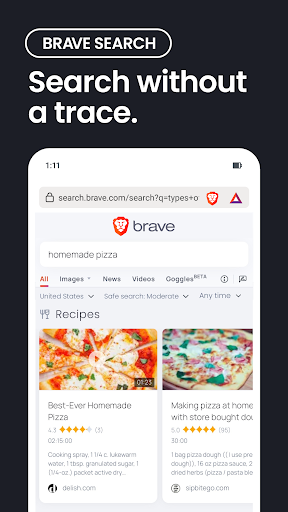
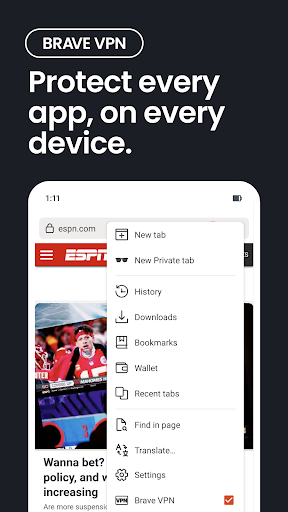
Despite its advanced features, Brave remains remarkably intuitive. The interface mimics a standard Chromium-based browser, so Chrome users will feel at home. Key controls, such as toggling shields for individual sites or accessing wallet settings, are accessible via a single tap. The mobile app includes a “Playlist” feature for saving videos and audio for offline viewing, similar to YouTube Premium but free. Additionally, Brave’s sync chain lets you share bookmarks, passwords, and open tabs across devices without central servers, ensuring your data never leaves your control. The browser also supports essential functionalities like incognito tabs, custom search engine selection (including DuckDuckGo or Startpage), and a password manager.
Privacy Without Compromise: What You Gain and Lose
Brave is not without minor trade-offs. Due to aggressive tracker blocking, some websites may not display correctly or require you to disable shields for specific features—like commenting on forums or logging into certain social media platforms. However, Brave’s per-site control lets you easily whitelist trusted sites. Another limitation is the absence of full extension support on mobile (unlike desktop), though the core features compensate for this. On the competitive front, while browsers like Firefox Focus prioritize extreme minimalism and DuckDuckGo emphasizes search privacy, Brave offers a comprehensive package: speed, ad-blocking, cryptocurrency rewards, and cross-platform compatibility. For the average user who wants privacy but does not want to sacrifice convenience, Brave is the ideal middle ground.
Conclusion: Who Should Download Brave Privacy Browser?
If you value your digital sovereignty, dislike intrusive ads, or want a faster, more efficient browsing experience, Brave is a must-have. It caters to privacy advocates, data-conscious professionals, and casual users alike. While it may not replace every tool for niche use cases (like full Tor for whistleblowers), it offers a robust, everyday solution for 90% of your browsing needs. With a 4.6-star rating on the App Store and Google Play, and continuous updates from its open-source community, Brave stands as a leader in the privacy-browser space. Download it today—your data will thank you.


