Portable WiFi
- 1.87K
- 4.4
- Installs
- 220.00M
- Version
- Varies with device

Screenshots

Pros
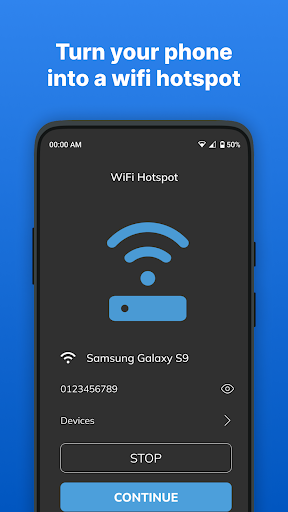
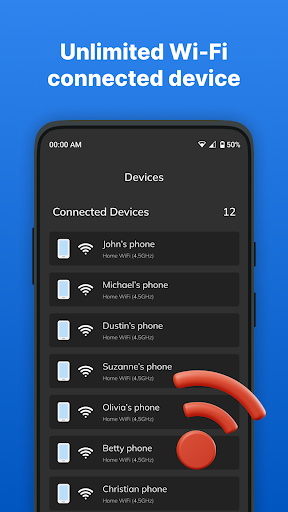
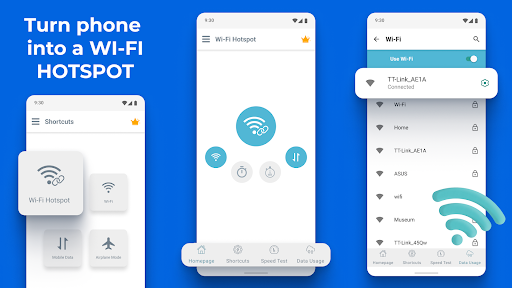
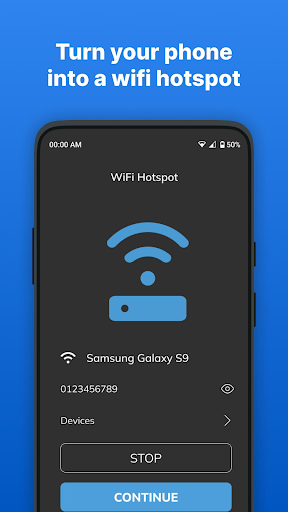
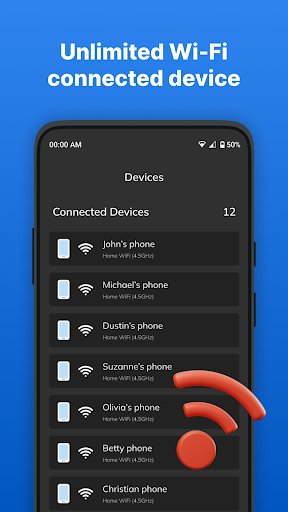
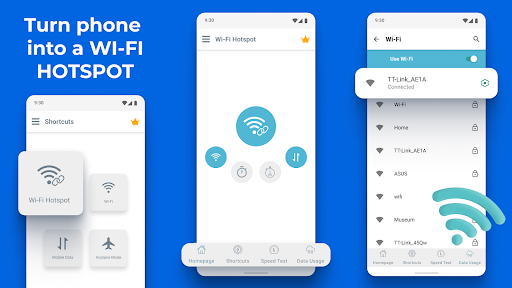
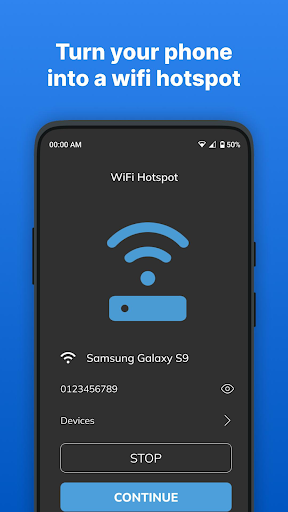
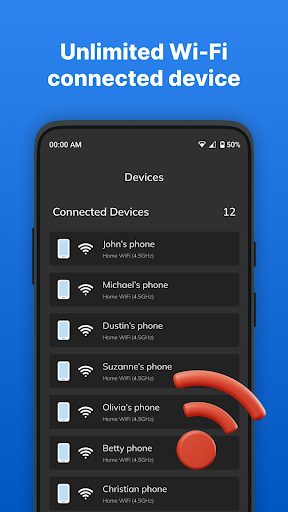
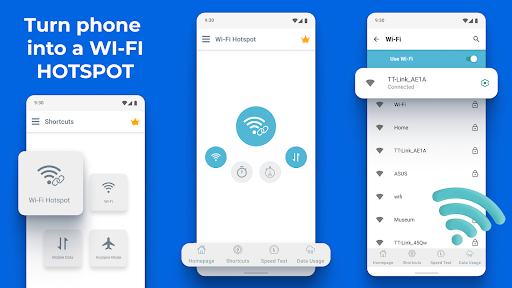
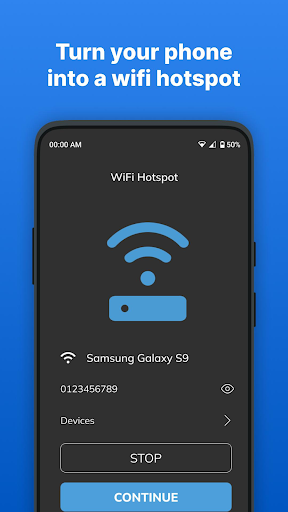
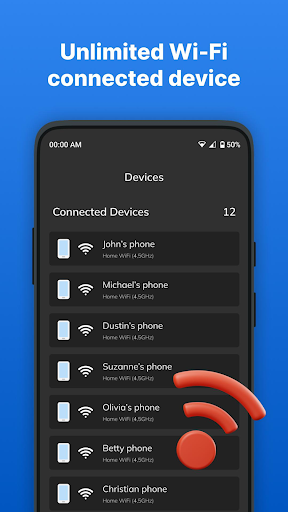
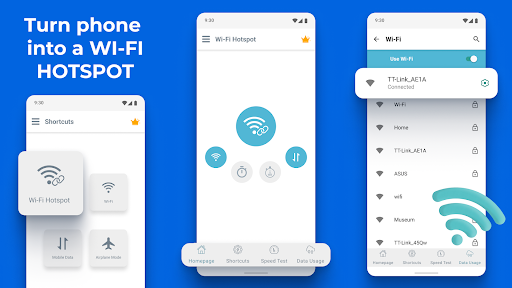
Portable WiFi - Mobile Hotspot delivers instant, reliable internet sharing by turning your phone into a fast, stable hotspot. It supports multiple device connections, automatic reconnection, and optimized network switching to maintain smooth streaming and browsing. Ideal for remote work, travel, and backup connectivity when public Wi‑Fi is unavailable.
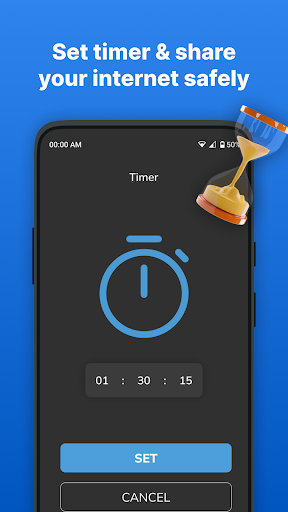
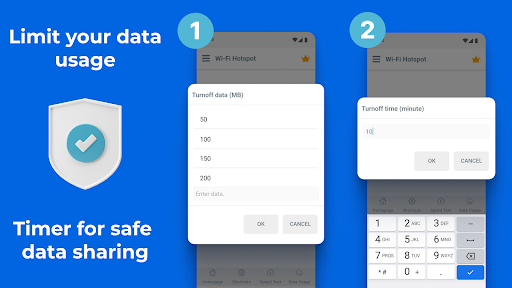
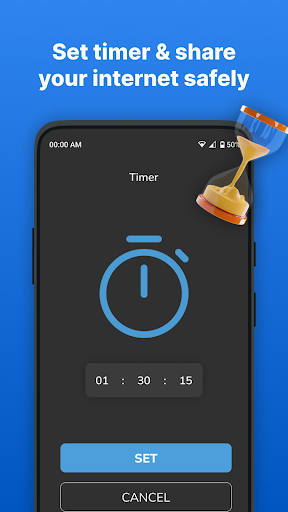
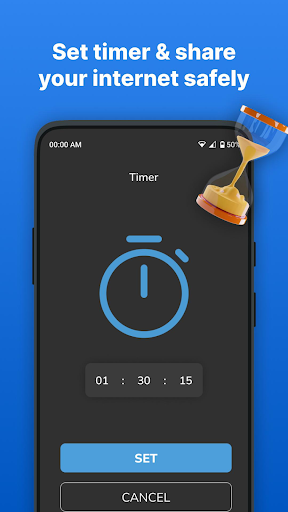
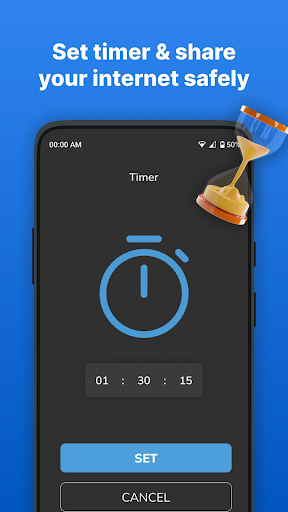
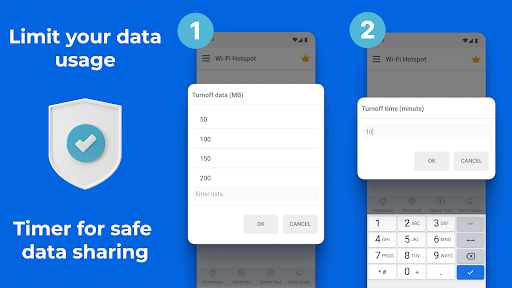
The app prioritizes security and simplicity with one‑tap hotspot setup, customizable SSID, guest network support, and strong WPA2/WPA3 encryption, plus built‑in password generation. It also includes data‑saving and battery‑optimization modes to extend device uptime while sharing, and scheduled on/off options to protect your connection and conserve power.
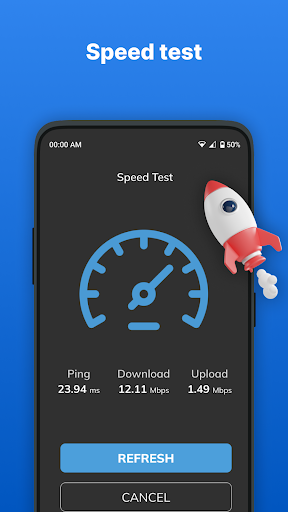
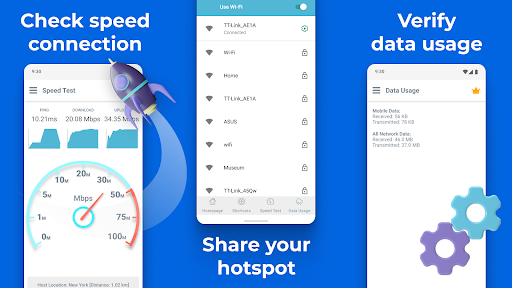
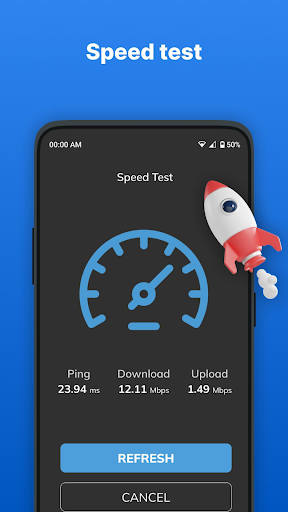
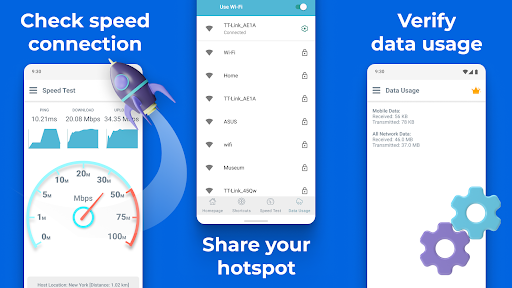
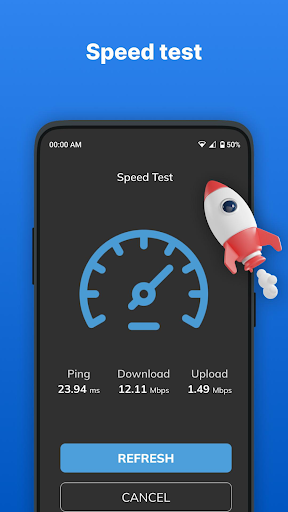
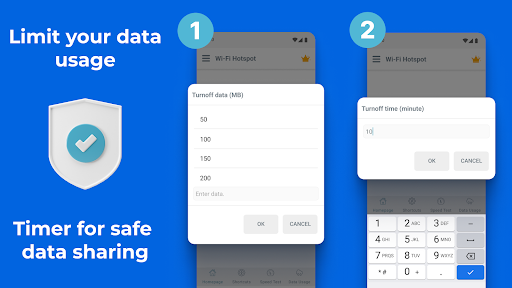
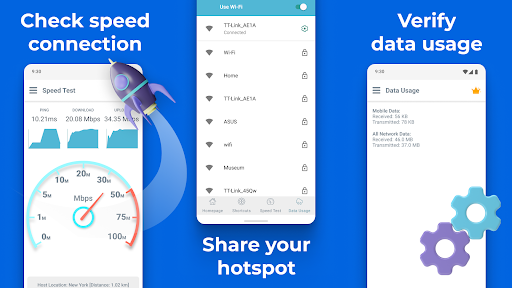
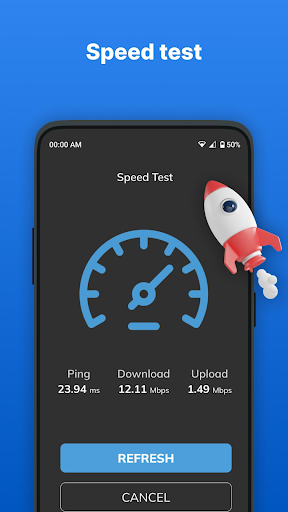
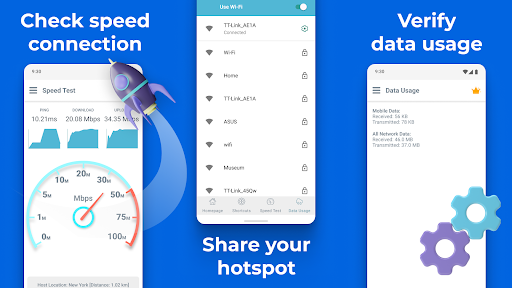
Advanced management tools let you monitor real‑time data usage, set per‑device bandwidth limits, block or prioritize connections, and view detailed connection logs for work, travel, or family use. Built‑in diagnostics and speed tests help troubleshoot issues quickly, while parental controls and usage alerts keep sharing safe and within data allowances.
Cons
Using Portable WiFi - Mobile Hotspot can quickly drain your phone’s battery and consume large amounts of cellular data, especially when multiple devices stream or download. Continuous hotspot use often requires a charger and a higher data plan, increasing costs and reducing portability during long trips or power outages.
Portable hotspots can expose your network to security risks if not properly secured. Weak default passwords, outdated encryption, or accidental open connections make it easier for attackers to intercept traffic or access shared files. Users must configure strong passwords and encryption, but not all versions or users follow best practices.
Connection speeds and range are often limited—tethered devices may experience slowdowns, latency, or frequent drops, especially in congested networks. Additionally, some app versions include intrusive ads or lock advanced features behind paywalls, and certain devices may not fully support all hotspot functions. This can frustrate users relying on stable connections for work or streaming.


