AI Translate
- 1.69K
- 4.8
- Installs
- 230.00M
- Version
- Varies with device

Screenshots



Pros
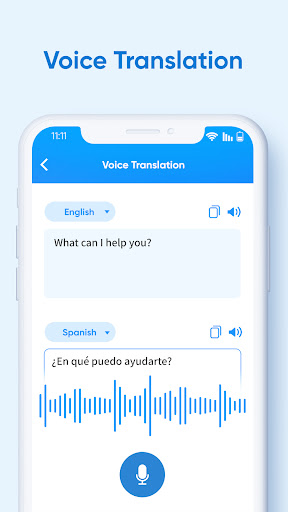
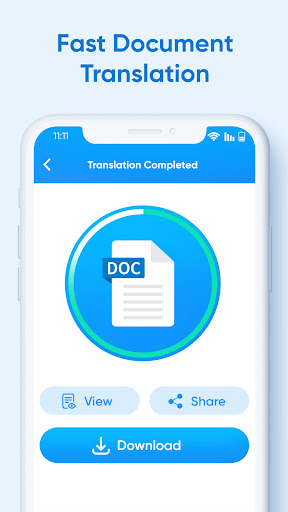
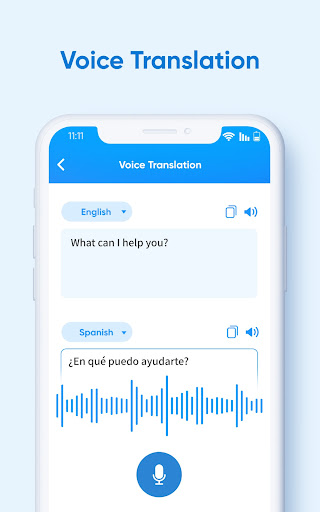
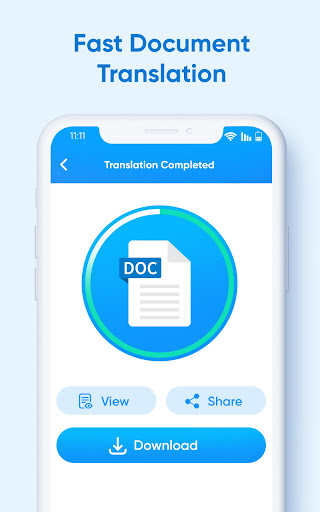
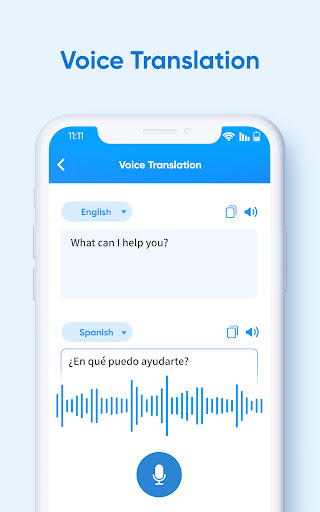
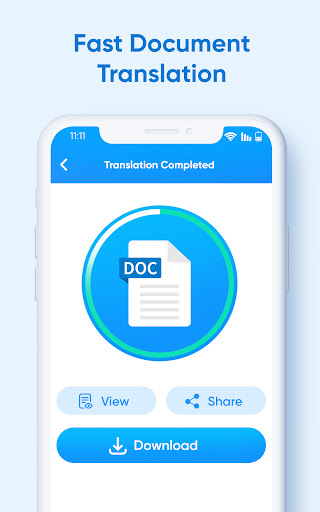
XTranslate excels at translating across formats — images, voice, and documents. Built-in OCR converts text from photos and screenshots, while voice recognition handles live speech and conversation mode. It also processes PDFs and other document types, making multilingual communication seamless whether you’re reading, speaking, or scanning content.
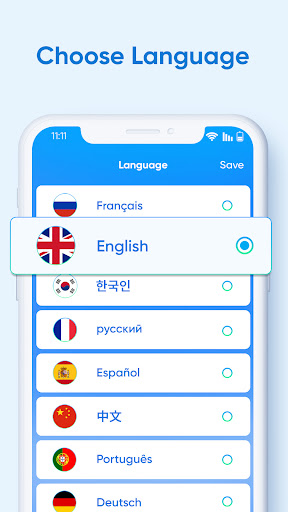
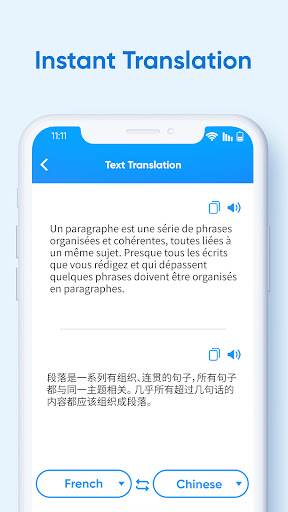
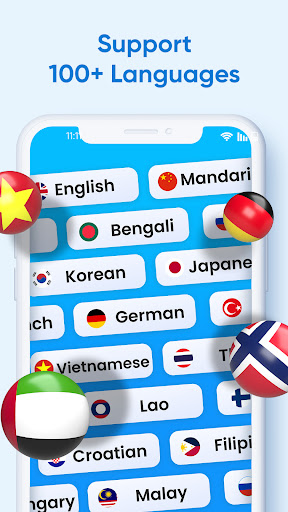
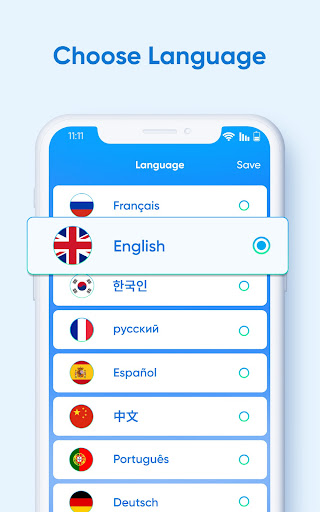
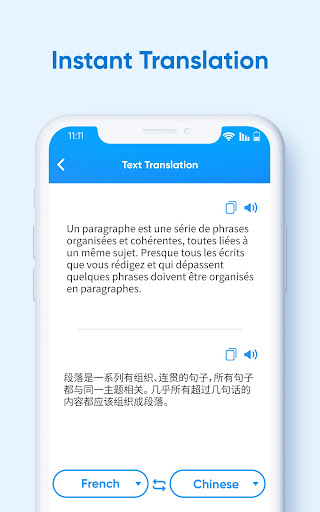
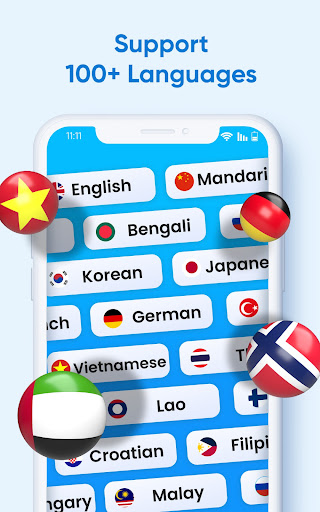
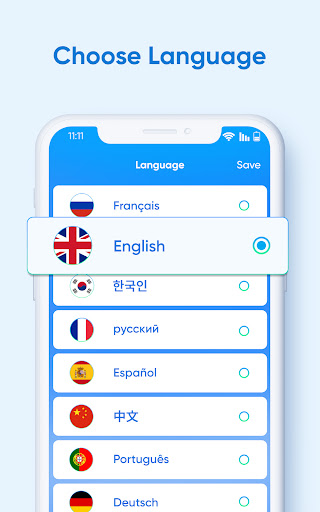
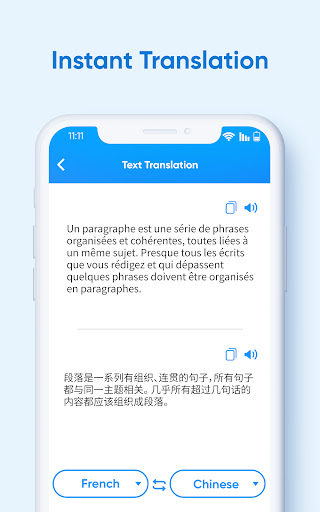
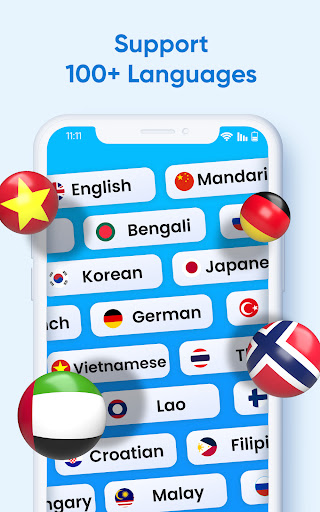
Translation quality is fast and reliable thanks to advanced neural engines and contextual processing. The app supports over 100 languages with on-device offline packs, instant text-to-speech playback, and adaptive phrasing for natural results. Quick clipboard translation and batch processing keep workflows efficient for travelers and professionals.
Designed with user productivity in mind, XTranslate offers an intuitive interface, favorites and history, easy file import/export, and sharing to other apps. PDF translations retain layout when possible, and customizable settings, widgets, and multilingual conversation tools simplify daily use for students, business users, and global teams.
Cons
Automated translations can struggle with context, idioms, and specialized terminology, producing awkward or inaccurate results. Long or complex sentences often need manual correction, and industry-specific documents (legal, medical, technical) may contain nuances the app misses. For critical content, users should verify translations rather than rely on them blindly.
OCR and voice recognition are inconsistent with poor-quality input. Photos taken in low light, with skewed angles, unusual fonts, or handwriting often produce garbled text, and complex PDF layouts (tables, columns) can be misread. Speech-to-text accuracy drops with strong accents or background noise, requiring repeated attempts and manual fixes.
Many advanced capabilities are gated behind a subscription, and robust offline translation is limited or reserved for paid tiers, restricting usefulness when connectivity is poor. Additionally, some processing may occur on external servers, which can raise privacy and compliance concerns when translating sensitive or confidential documents.


