Google Authenticator
- 1.51K
- 4.4
- Installs
- 290.00M
- Version
- Varies with device

Screenshots











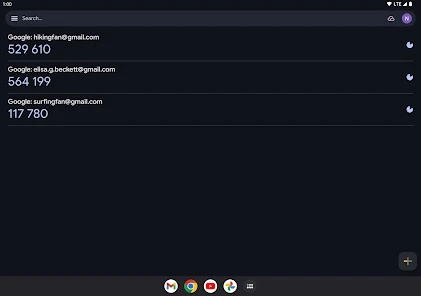
Google Authenticator: A Reliable Two-Factor Authentication App
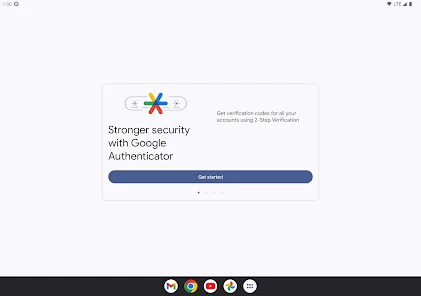
In an era where cybersecurity threats are rampant, protecting your online accounts with strong authentication methods is essential. Google Authenticator is a free mobile app that provides an extra layer of security by generating time-based one-time passwords (TOTP) for two-factor authentication (2FA). Whether you're securing your email, social media, or banking accounts, this app ensures that only you can access them—even if someone steals your password.
How Google Authenticator Works
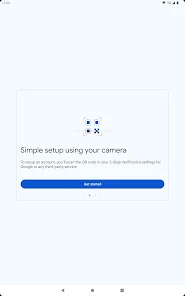
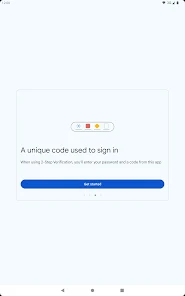
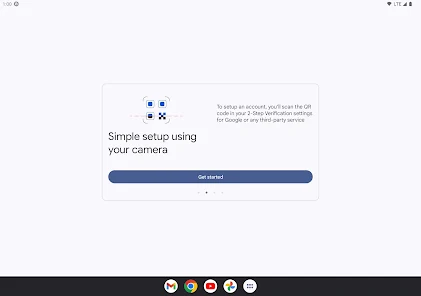
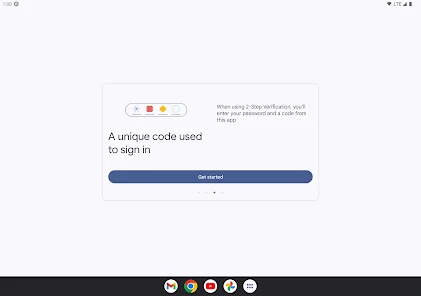
Google Authenticator functions by generating a six-digit verification code that refreshes every 30 seconds. When you enable 2FA on a supported website, you'll link it to the app by scanning a QR code or entering a secret key manually. After setup, each login attempt will require both your password and the current code from the app, making unauthorized access significantly harder.
The app operates offline, meaning it doesn’t rely on an internet connection or SMS, which can be intercepted. This makes it more secure than text-based 2FA methods. Additionally, since the codes are generated locally on your device, there’s no risk of them being exposed in a data breach.
Key Features of Google Authenticator
1. Offline Functionality: Unlike SMS-based 2FA, Google Authenticator doesn’t require network connectivity, reducing vulnerabilities associated with SIM swapping or phishing attacks.
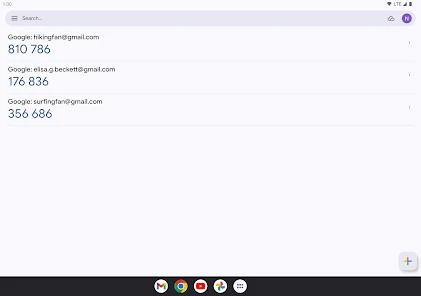
2. Multi-Account Support: You can add multiple accounts from different services (Google, Facebook, Dropbox, etc.) and manage them all in one place.
3. Time-Based Codes: Each code expires after 30 seconds, ensuring that even if a hacker intercepts one, it becomes useless almost immediately.
4. No Ads or Hidden Costs: The app is completely free with no in-app purchases or advertisements, providing a seamless user experience.
Pros and Cons
Pros: - Enhanced Security: Protects accounts better than passwords alone. - No Internet Required: Works offline, eliminating SMS-related risks. - Easy Setup: QR code scanning simplifies the configuration process. - Cross-Platform: Available on both Android and iOS.
Cons: - No Cloud Backup: If you lose or reset your phone, you may lose access to your accounts unless you’ve saved backup codes. - Manual Transfer Required: Switching devices means reconfiguring 2FA for each service. - Limited Recovery Options: Unlike some competitors, Google Authenticator doesn’t offer account recovery features.
Comparison with Alternatives
While Google Authenticator is a solid choice, alternatives like Authy and Microsoft Authenticator offer additional features such as cloud backups and multi-device synchronization. Authy, for example, allows users to restore their 2FA tokens if they lose their phone—a feature Google Authenticator lacks. However, some users prefer Google’s app precisely because it doesn’t store data in the cloud, reducing potential exposure to hacking.
Microsoft Authenticator, on the other hand, supports passwordless logins for Microsoft accounts, which can be more convenient. However, Google Authenticator remains a top choice for those who prioritize simplicity and offline security.
Final Verdict: Who Should Use Google Authenticator?
Google Authenticator is ideal for users who want a straightforward, no-frills 2FA solution that maximizes security. It’s particularly useful for those who: - Prefer offline security over cloud-based alternatives. - Need a lightweight app without ads or unnecessary features. - Are comfortable managing backup codes manually.
If you prioritize convenience and backup options, you might prefer Authy or Microsoft Authenticator. However, for pure security and reliability, Google Authenticator remains one of the best choices available.
Overall, Google Authenticator is a must-have for anyone serious about protecting their digital identity. Its simplicity, effectiveness, and offline capabilities make it a trusted tool in the fight against cyber threats.
Latest Update: Optional Encrypted Backups and Simpler Device Transfers
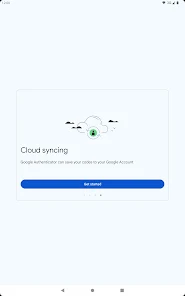
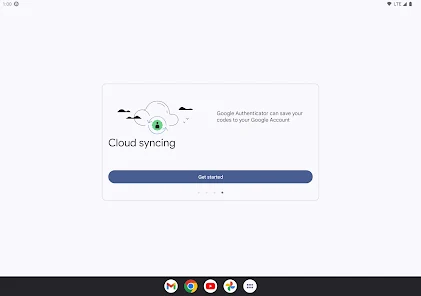
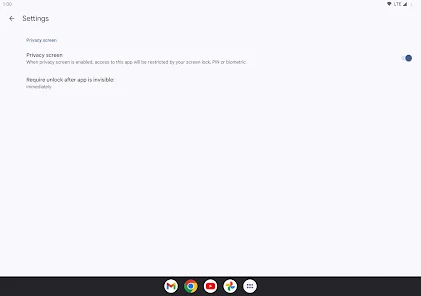
Google Authenticator added an optional, encrypted backup tied to your Google Account so you can restore 2‑step verification codes when moving devices, plus a faster, single‑scan transfer flow for migrating accounts between phones. The release also strengthened in‑app protection (PIN/biometric lock options), clarified recovery and account‑migration guidance, and updated prompts to help prevent accidental code loss—backups remain opt‑in and codes stay encrypted.


