Google Slides
- 1.64K
- 4.6
- Installs
- 20.00M
- Version
- Varies with device

Screenshots

Google Slides
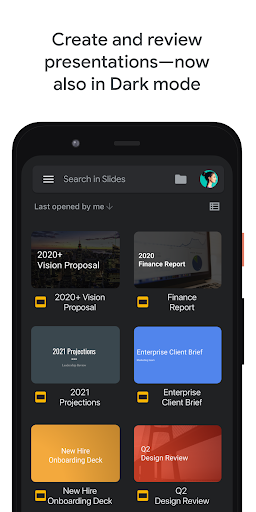
Create, edit and collaborate with others on presentations from your Android phone or tablet with the Google Slides app. With Slides, you can:
- Create new presentations or edit existing files
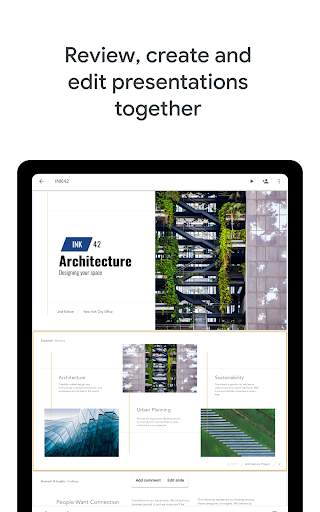
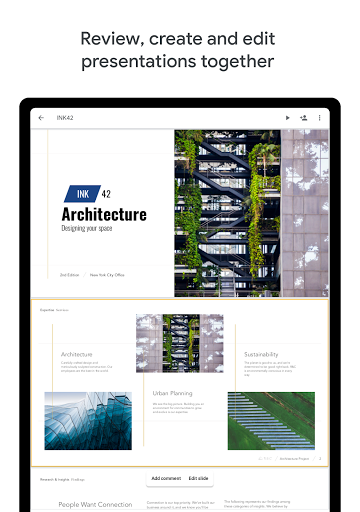
- Share presentations and collaborate in the same presentation at the same time.
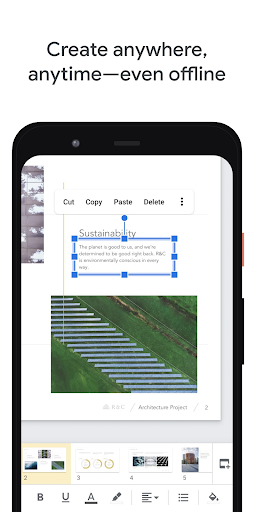
- Work anywhere, anytime - even offline
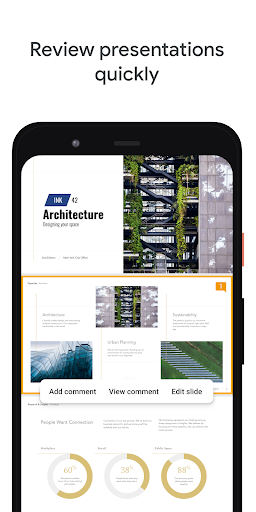
- Add and respond to comments.
- Add and rearrange slides, format text and shapes and more.
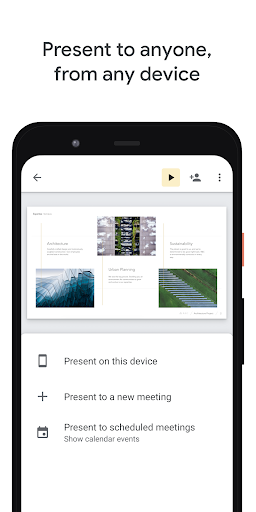
- Present straight from your mobile device.
- Never worry about losing your work – everything is saved automatically as you type.
- Make beautiful slides, instantly - with Explore.
- Present slides to video calls - scheduled meetings will automatically appear
- Open, edit and save PowerPoint files.
Permissions Notice
- Calendar: This is used to join video calls from calendar invites.
- Camera: This is used for camera mode in video calls and to insert images taken with the camera.
- Contacts: This is used to give suggestions of people to add to files and share with.
- Microphone: This is used to transmit audio in video calls.
- Storage: This is used to insert images and to open files from USB or SD storage.


