Draw Easy
- 1.01K
- 4.9
- Installs
- 20.00M
- Version
- Varies with device

Screenshots






Pros
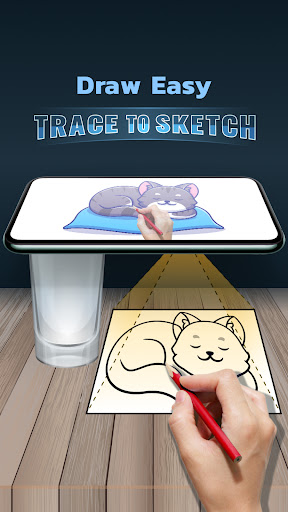
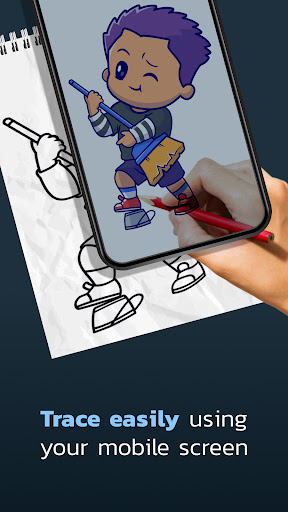
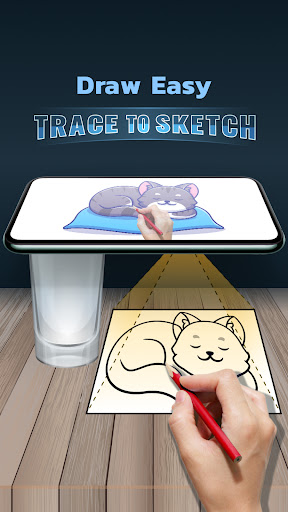
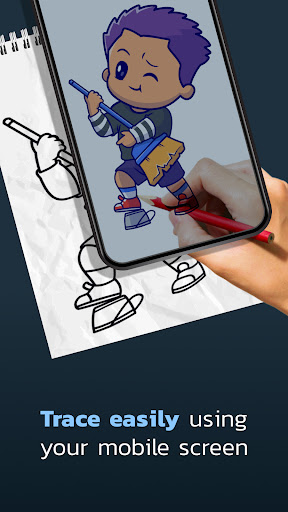
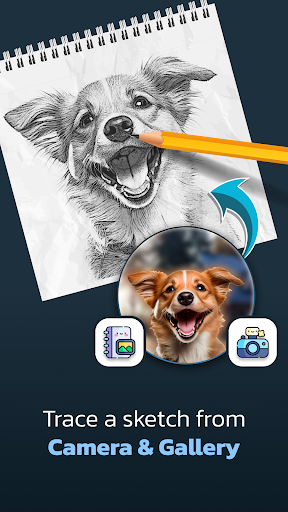
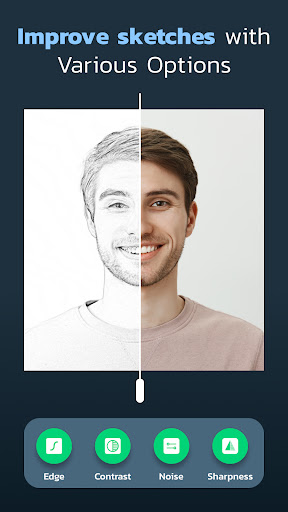
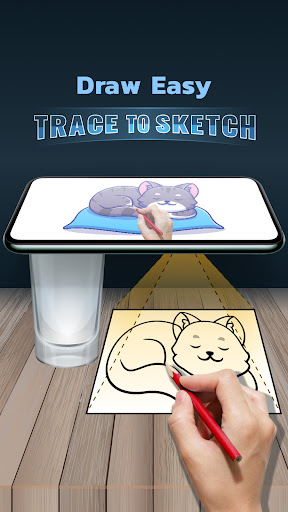
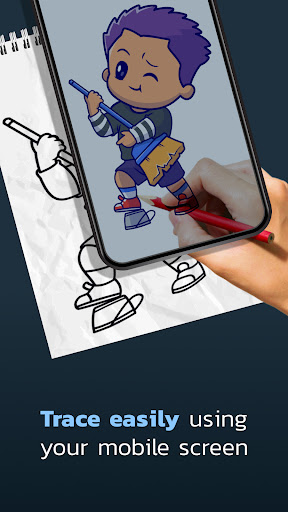
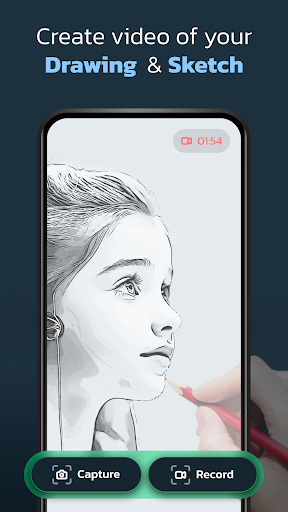
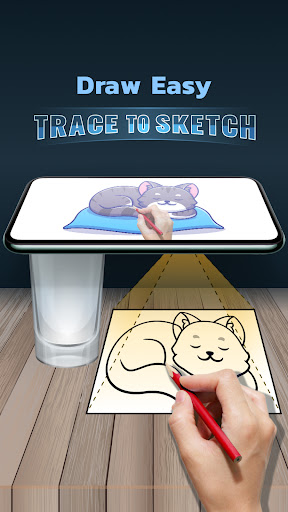
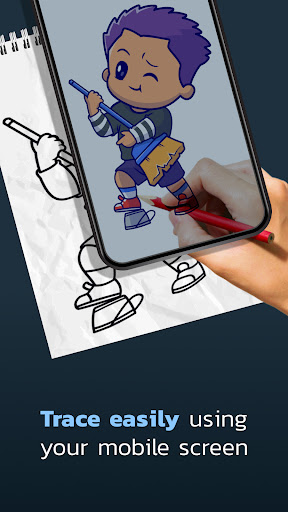
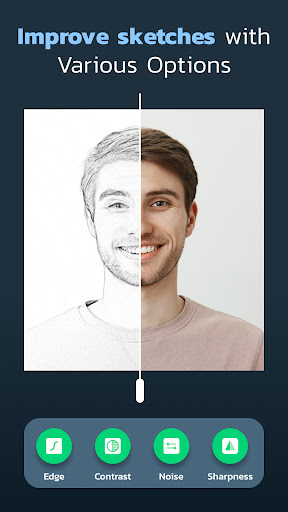
Draw Easy: Trace to Sketch makes learning to draw approachable by providing guided tracing overlays and step-by-step lessons that teach proportions, shapes, and shading. Beginners quickly gain confidence as complex images are broken into simple strokes, accelerating skill development while reducing frustration and encouraging regular practice.
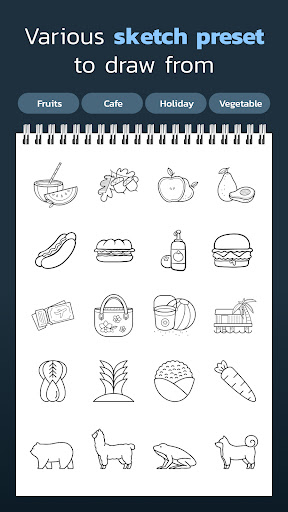
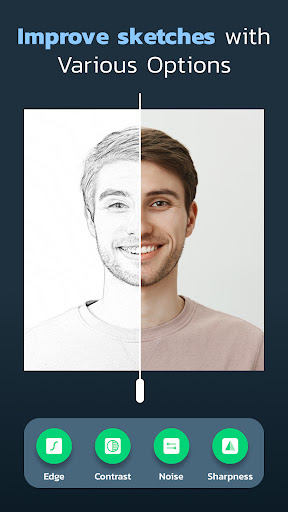
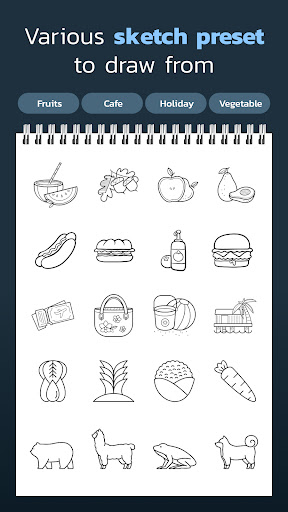
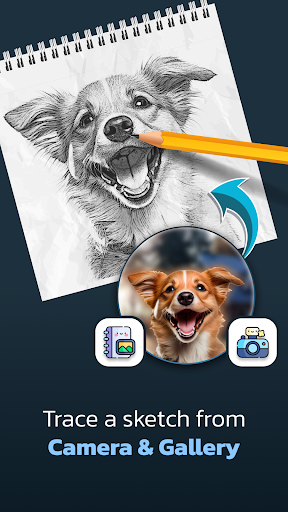
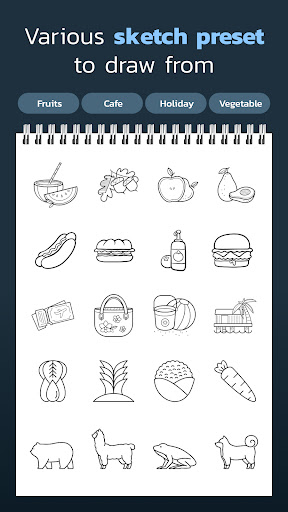
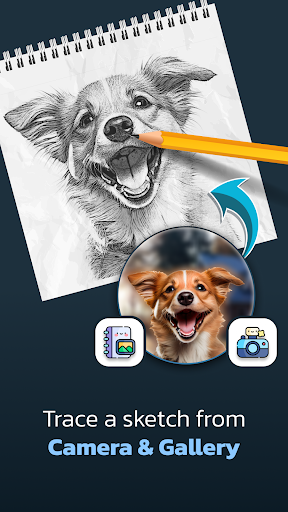
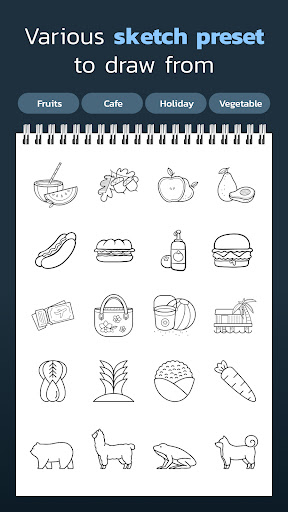
A rich library of templates and adjustable tracing settings lets users customize difficulty and style, from simple sketches to detailed illustrations. Draw Easy: Trace to Sketch supports a variety of subjects and skill levels, enabling targeted practice, creative experimentation, and quick project variation to keep learning engaging and effective.
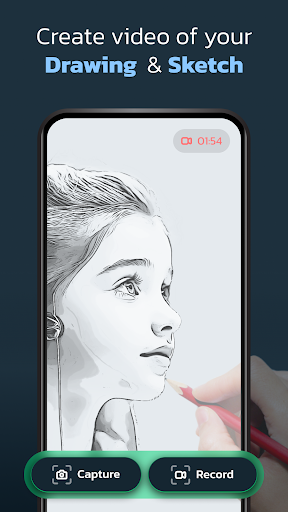
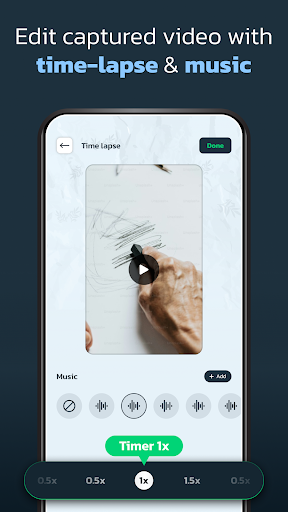
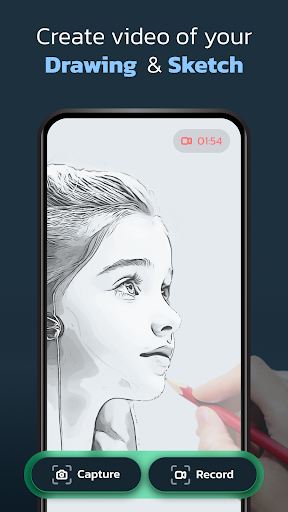
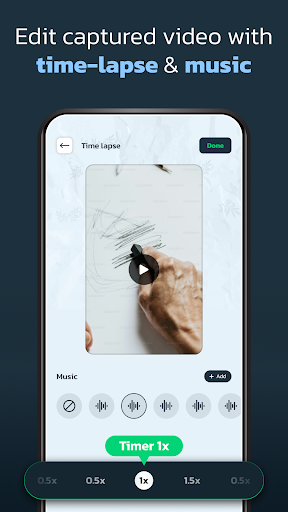
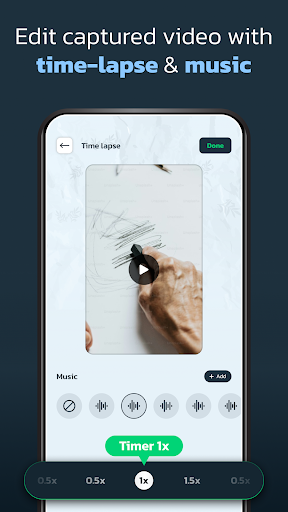
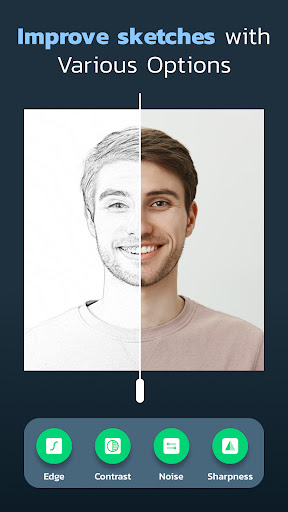
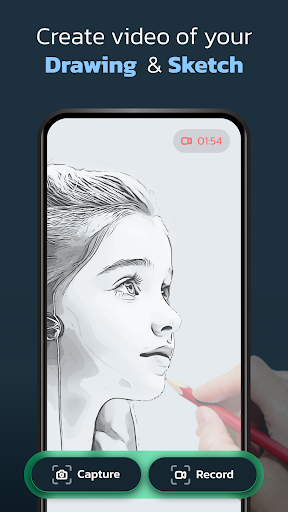
Designed with an intuitive touch interface and clear visual cues, the app streamlines drawing on phones and tablets for artists at any level. Features like layer-friendly tracing, zoom, undo/redo, and easy export let users refine work, share progress, and integrate sketches into other projects without a steep technical curve.
Cons
Tracing-based apps like Draw Easy can limit artistic growth because users often rely on outlines instead of learning core drawing skills. Overreliance on trace templates may reduce creativity and prevent development of observational drawing, proportion, and shading techniques that are essential for progressing beyond basic copied sketches.
Many free tracing apps limit functionality behind in-app purchases or subscriptions, locking advanced brushes, higher-resolution exports, and layer controls. Watermarks on free exports and restricted file formats can hinder professional use, requiring payment for essential tools and removing flexibility for users seeking more than casual practice.
Accuracy depends heavily on device screen size, touch sensitivity, and the quality of a stylus; small phones and low-sensitivity screens make precise tracing frustrating. Additionally, some users report intrusive ads, occasional glitches, and inconsistent performance across devices, which undermines a smooth learning or sketching experience.


