NETGEAR Nighthawk – WiFi Router App
- 1.66K
- 4.8
- Installs
- 700.00M
- Version
- Varies with device

Screenshots

Pros
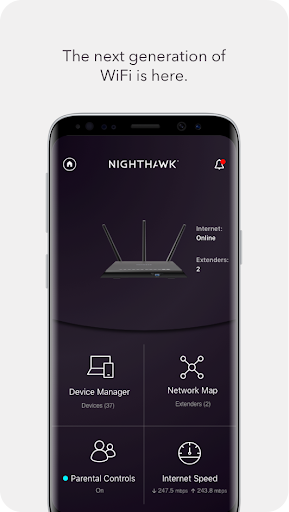
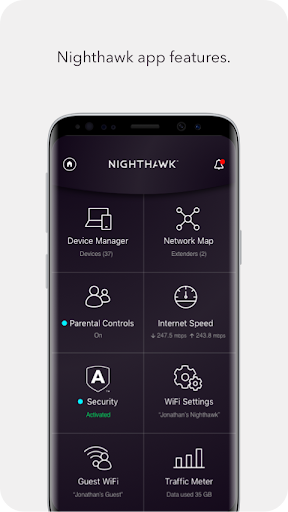
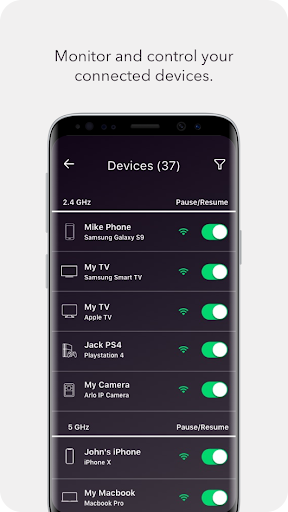
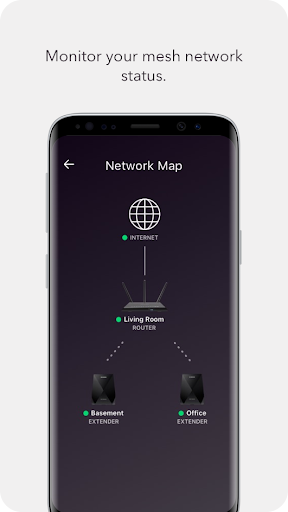
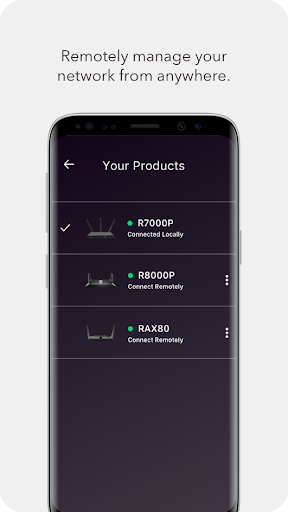
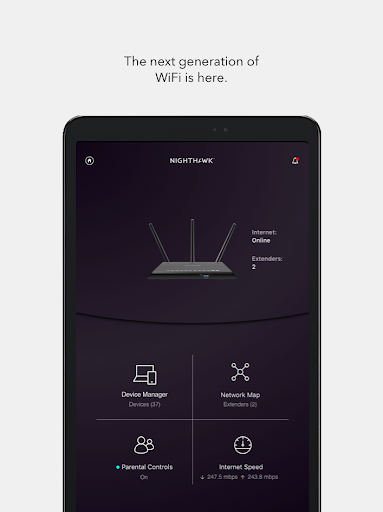
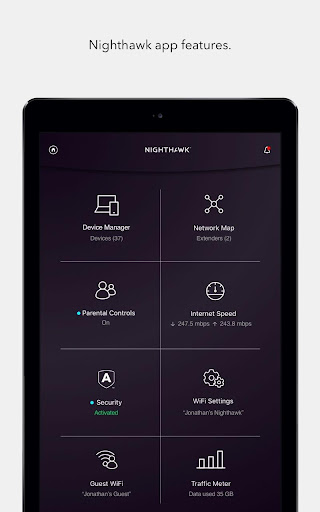
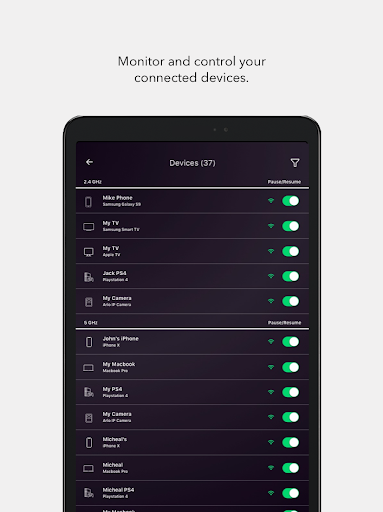
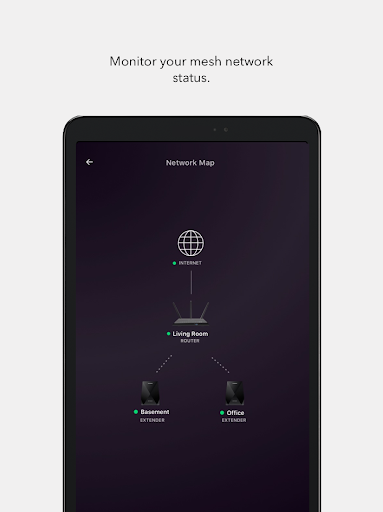
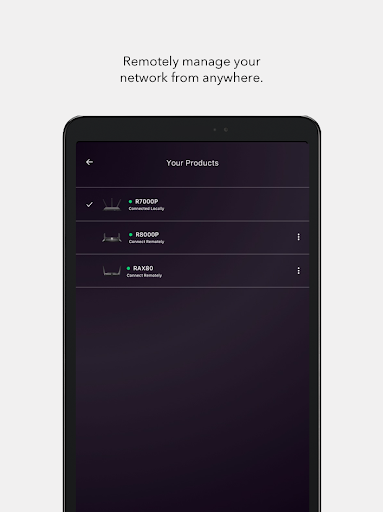
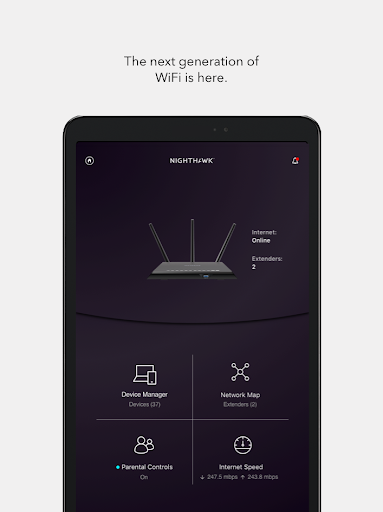
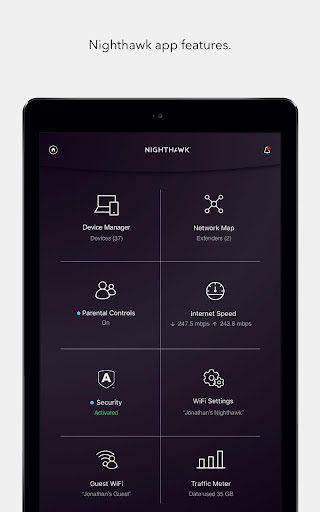
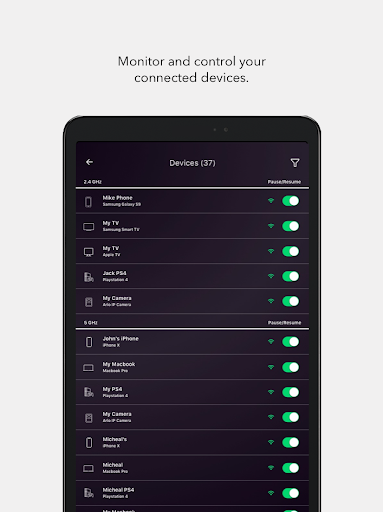
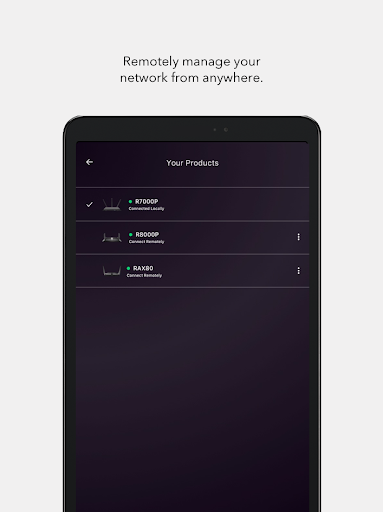
The NETGEAR Nighthawk WiFi Router app simplifies setup and everyday management. With step-by-step setup, one-touch remote access and an intuitive dashboard, users can configure SSIDs, passwords and guest networks in minutes. Push notifications and real-time device lists make monitoring network activity fast and hassle-free—ideal for nontechnical homeowners.
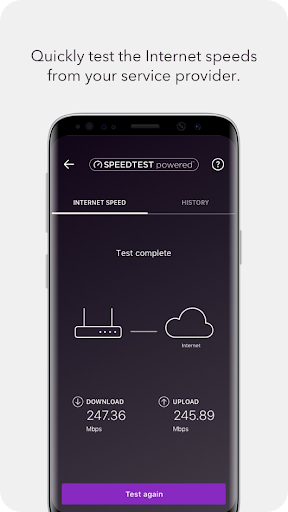
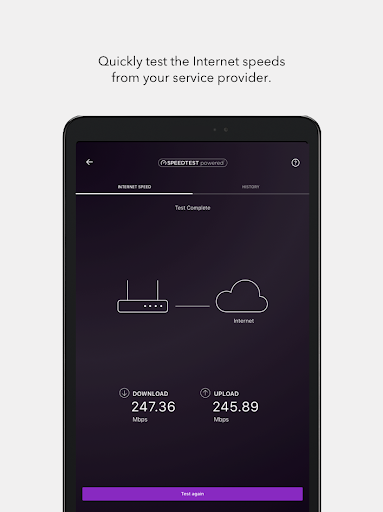
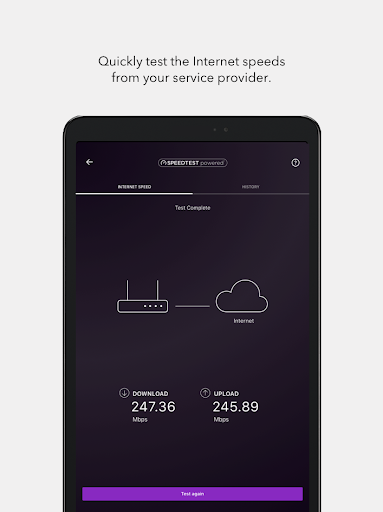
Power users appreciate the app’s advanced performance controls: Quality of Service (QoS), device prioritization and traffic monitoring let you allocate bandwidth to gaming, streaming or work devices. Built-in speed tests and performance graphs help diagnose issues quickly, optimizing wireless performance for every connected device.
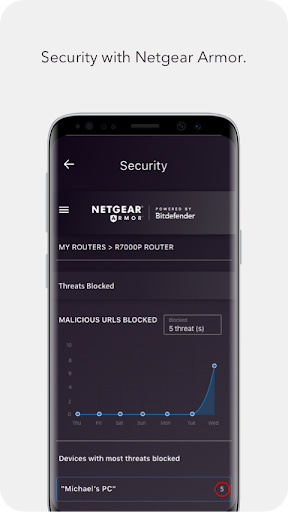
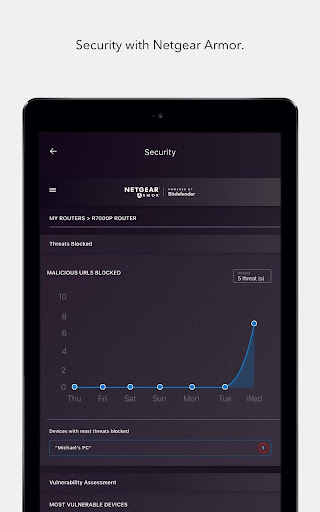
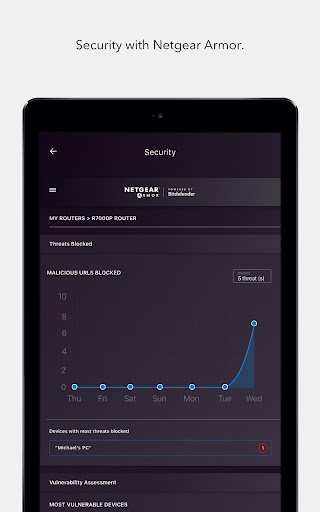
Security and safety features in the Nighthawk app protect networks with easy setup of guest access, secure remote management, automatic firmware updates and optional NETGEAR Armor malware protection. Parental controls enable scheduling, content filters and usage reports so families can enforce rules and stay informed about children’s online activity.
Cons
While convenient for basic setup and monitoring, the Nighthawk app restricts many advanced router settings to the web-based interface. Power users often can’t configure features like in-depth VLANs, custom VPN server setups, granular QoS rules, or advanced firewall options directly from the app, forcing them to switch to the router’s admin page for full control.
The app requires a NETGEAR account and cloud sign-in for many remote management and security features. Several useful tools—advanced parental controls and the Armor malware protection—require separate paid subscriptions. That reliance on cloud services and recurring fees raises privacy concerns and adds ongoing costs for families and small businesses.
Users report occasional app instability—freezes, crashes, and slow load times—particularly after firmware updates. Device discovery and status reporting can be inconsistent, causing delays in troubleshooting. The interface also varies between iOS and Android versions, creating confusion and reducing the overall reliability of daily router management tasks.


