TCL HOME Dashboard
- 1.24K
- 4.8
- Installs
- 290.00M
- Version
- Varies with device

Screenshots
Pro
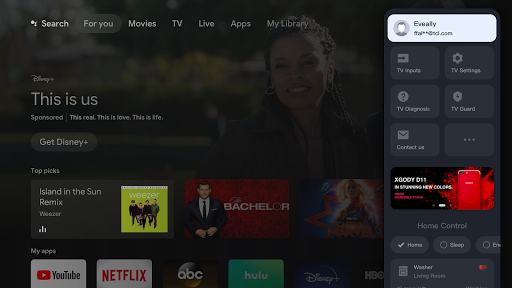
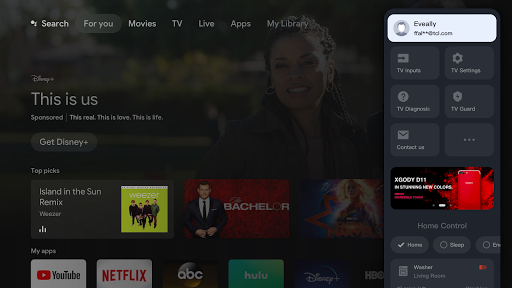
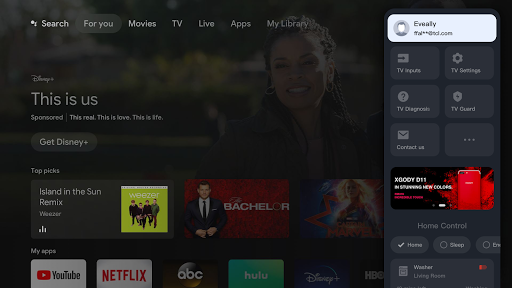
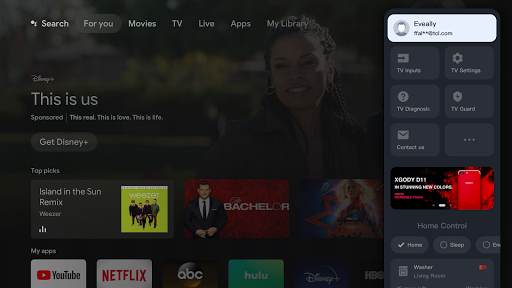
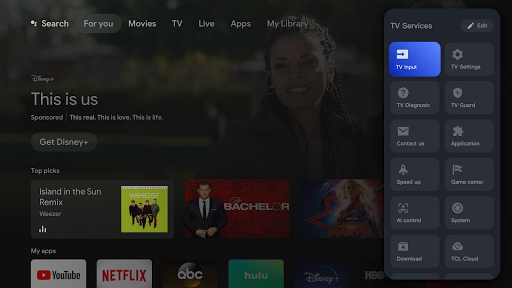
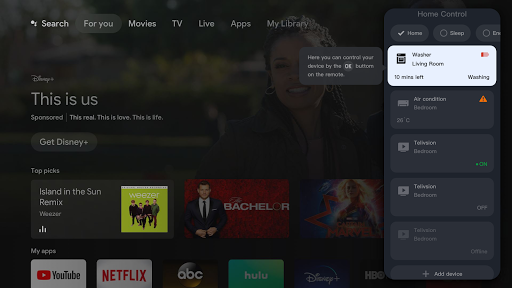
1. Centralized Control: TCL HOME Dashboard application allows users to manage and control all their TCL smart devices conveniently from a single interface, promoting ease of use and time efficiency.
2. Real-Time Monitoring: Users can monitor their home environment and device status in real-time, enabling quick responses to changes and maintaining comfort and security.
3. Customization and Automation: The application offers personalization options for device settings and supports the creation of automation scenarios, enhancing user comfort by adapting to individual routines and preferences.
Con
1. Limited Compatibility: TCL HOME Dashboard application is primarily designed for TCL smart home products, which can be a disadvantage for households with smart devices from multiple brands, leading to a fragmented smart home experience.
2. Occasional Glitches: Some users report bugs and glitches within the app, which can cause inconvenience such as difficulty in controlling devices, syncing issues, or crashes, potentially requiring frequent updates and troubleshooting.
3. Basic Features: Compared to other smart home applications, TCL HOME Dashboard may offer a more limited set of features and customization options, which might not suffice for users seeking advanced automation, complex routines, or integration with broader smart home ecosystems.


