Pencil Sketch Photo Editor
- 1.30K
- 4.4
- Installs
- 640.00M
- Version
- Varies with device

Screenshots











Pro
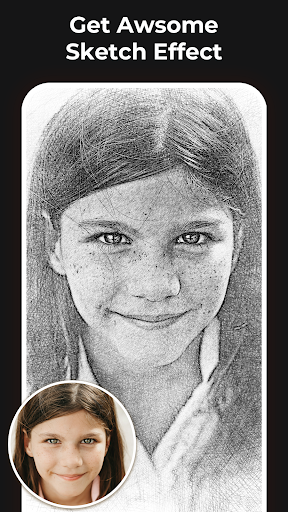
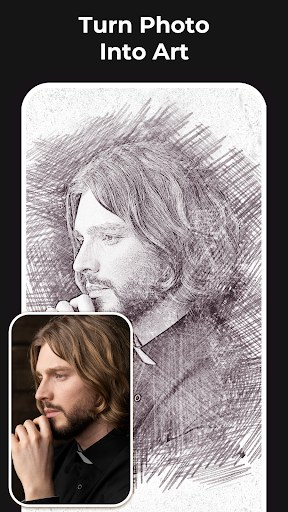
1. User-Friendly Interface: The Pencil Sketch Photo Editor offers an intuitive and simple user interface, making it easy for anyone to transform their photos into pencil sketches without prior experience.
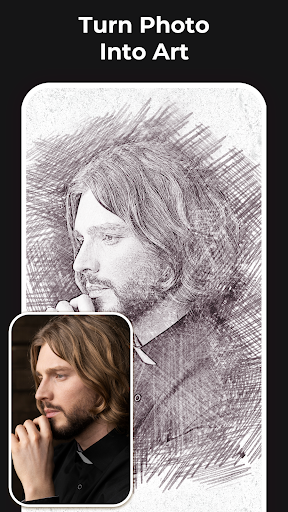
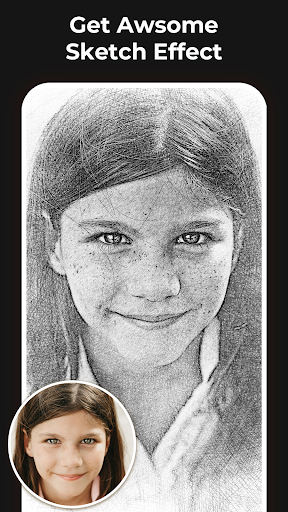
2. High-Quality Outputs: The application generates detailed and high-quality pencil sketch effects, providing professional-looking results that enhance the visual appeal of your photos.
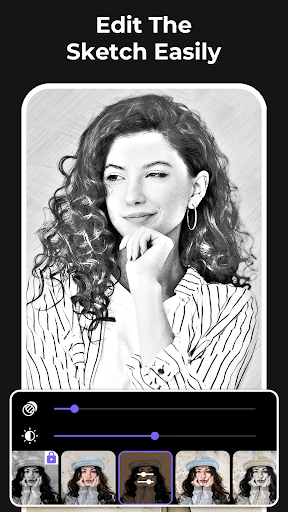
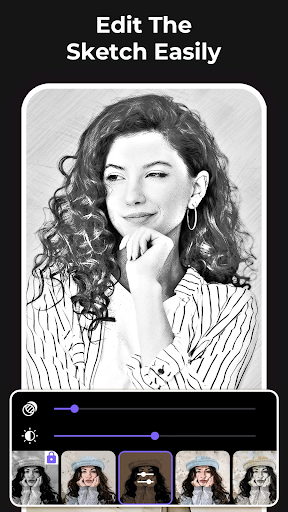
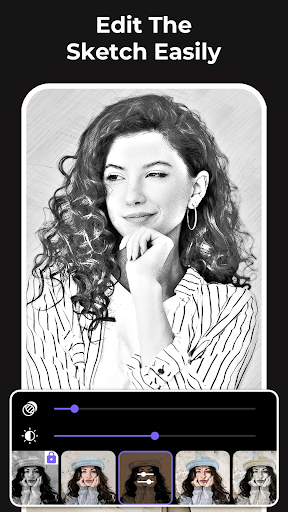
3. Customizable Options: Users can adjust various settings such as stroke intensity and shading to personalize their sketches, allowing for creative and unique outcomes tailored to individual preferences.
Con
1. Limited Editing Tools: The Pencil Sketch Photo Editor application offers a restricted set of editing tools, limiting users' ability to fine-tune their sketches beyond basic adjustments.
2. Quality Degradation: The app sometimes reduces the quality of the original photo, resulting in pixelation or blurriness in the sketched image.
3. Advertisements: Frequent and intrusive ads disrupt the user experience, making it frustrating to complete projects efficiently.


