Voice Changer
- 1.36K
- 4.8
- Installs
- 780.00M
- Version
- Varies with device

Screenshots






Pros
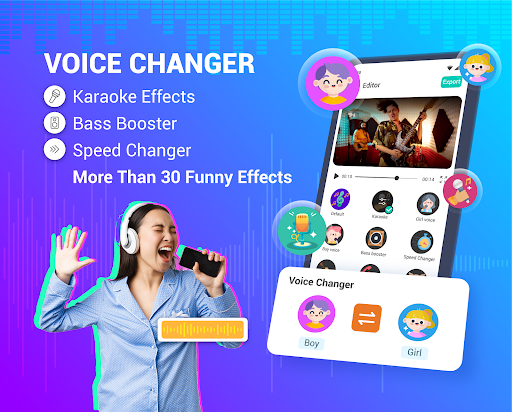
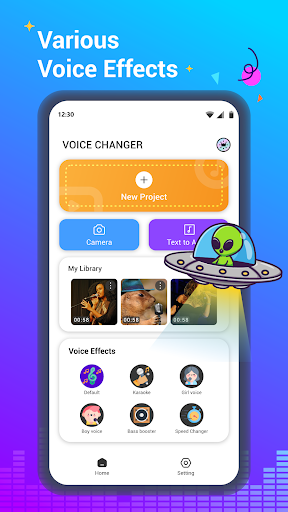
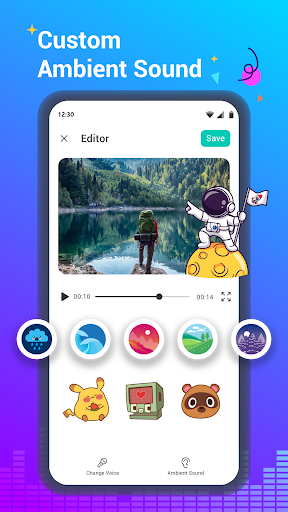
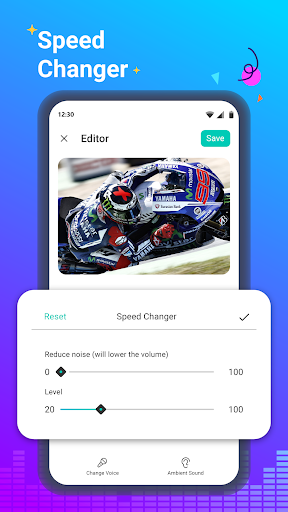
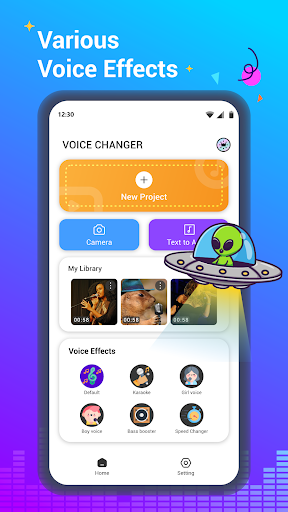
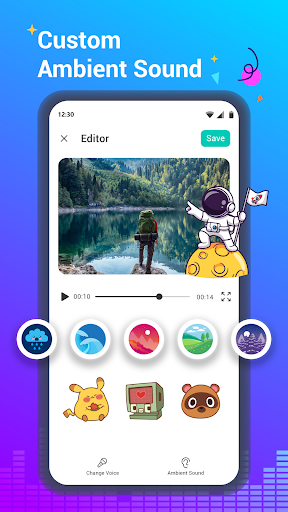
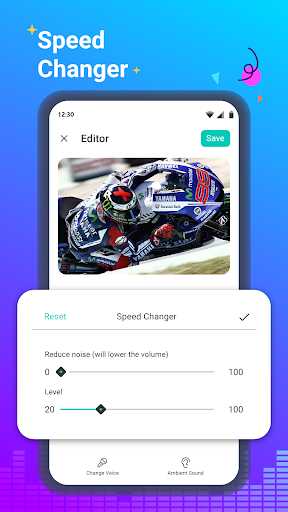
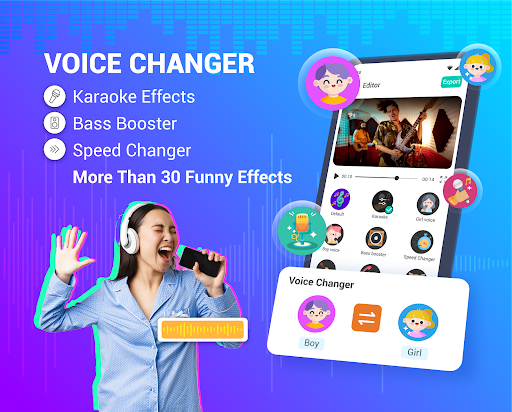
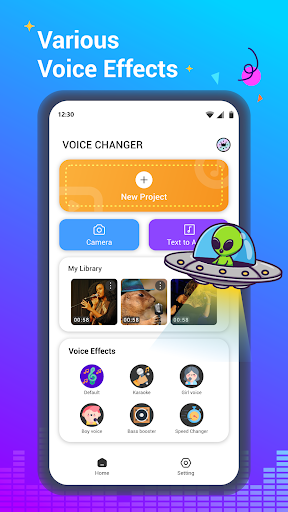
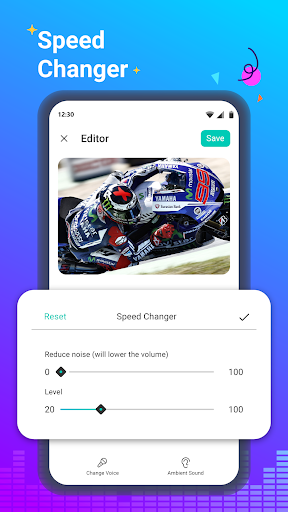
Voice Changer - Audio Effects offers a wide range of realistic voice presets and creative filters, from robotic and cartoon voices to gender shifts and deep bass. Users can fine-tune pitch, speed, and timbre for custom results, making it ideal for prank calls, voiceovers, podcasts, and playful audio experiments.
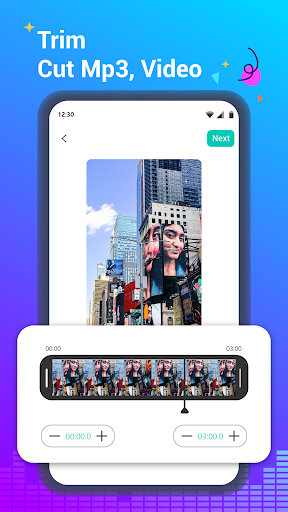
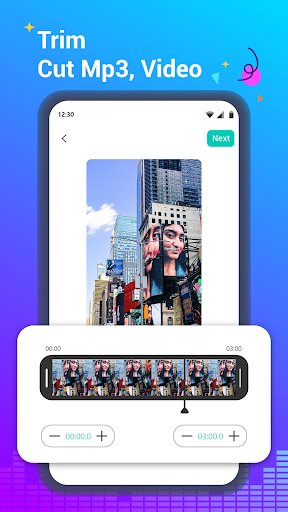
The app’s intuitive interface streamlines editing with real-time preview, drag-and-drop clips, and one-tap apply for effects. Clear timeline controls and undo/redo make adjustments fast and worry-free, while built-in templates and smart suggestions help even beginners produce polished audio quickly—boosting workflow and content creation efficiency.
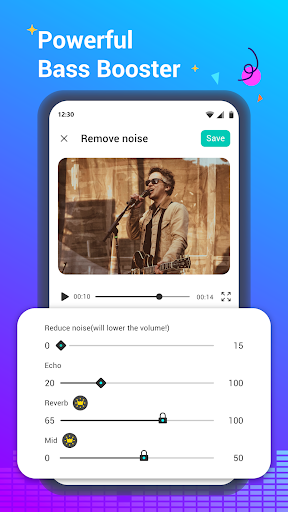
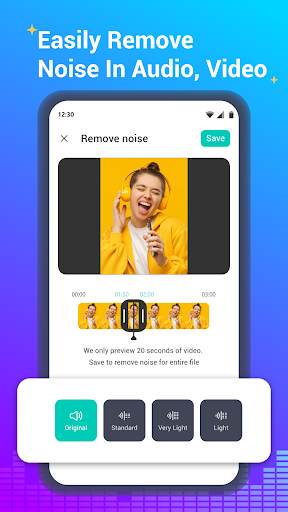
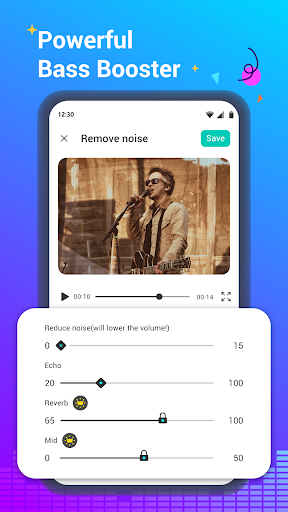
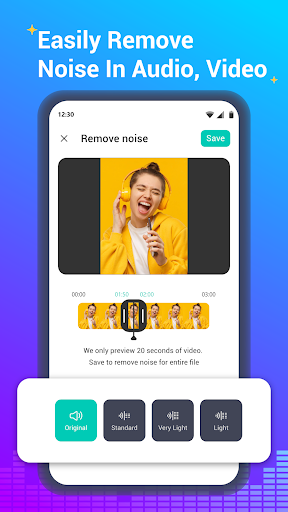
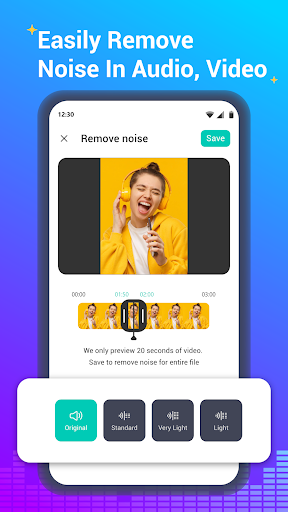
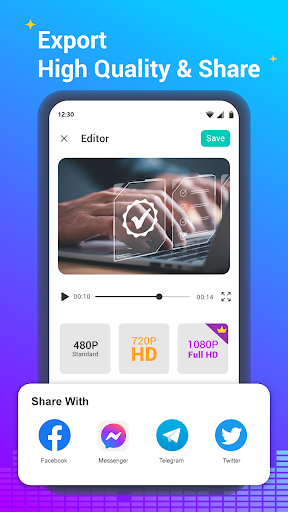
High-quality audio processing ensures smooth, low-latency modulation with minimal artifacts, preserving clarity even after heavy effects. Advanced tools like noise reduction, equalization, and export options in common formats let users create professional-sounding tracks for social sharing, streaming, or editing in other audio software.
Cons
Voice effects can sound artificial or inconsistent, producing robotic, tinny, or distorted audio—especially with complex tones or background noise. Results vary by device and recording quality, so voices may not match expectations for realistic or professional use, limiting the app’s usefulness for high‑quality projects or serious audio work.
The free version often includes intrusive ads, limited effect choices, and export restrictions. Many advanced filters, higher-quality saves, or batch processing features are locked behind in‑app purchases or subscriptions, forcing frequent upgrades to access essential tools and remove watermarks—making full functionality costly for regular users.
The app requires microphone access and may request storage or cloud permissions, raising privacy concerns. If recordings are uploaded for processing, personal audio could be stored or shared depending on the app’s policy. Ambiguous data handling and potential for misuse of altered recordings can pose legal and privacy risks.


