Firefox Browser
- 2.00K
- 4.9
- Installs
- 560.00M
- Version
- Varies with device

Screenshots









Introduction to Firefox Browser
In the ever-evolving world of mobile browsing, Firefox Browser stands out as a reliable and feature-rich option for users seeking a fast, secure, and customizable experience. Developed by Mozilla, Firefox has long been a favorite among desktop users, and its mobile version brings the same level of quality and innovation to your smartphone or tablet. Whether you're a casual surfer or a power user, Firefox Browser offers a range of tools and features designed to enhance your browsing experience.
Key Features of Firefox Browser
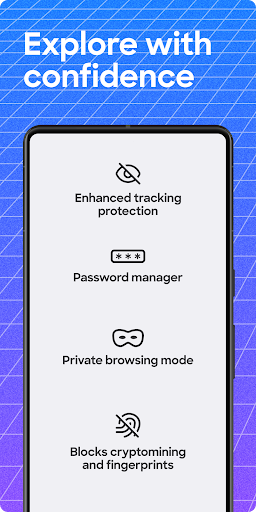
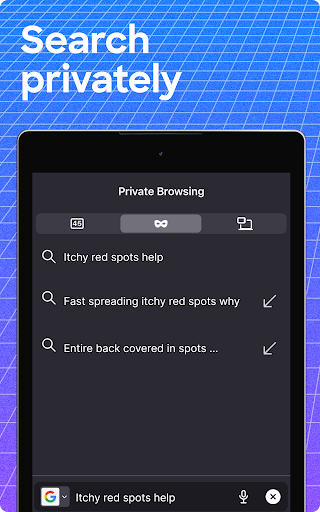
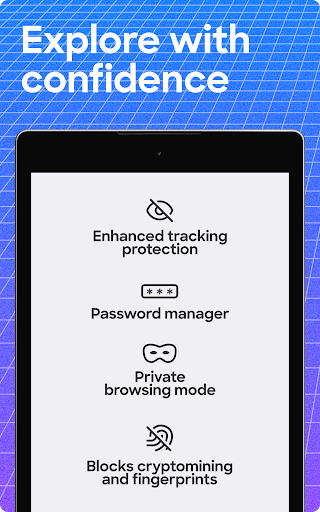
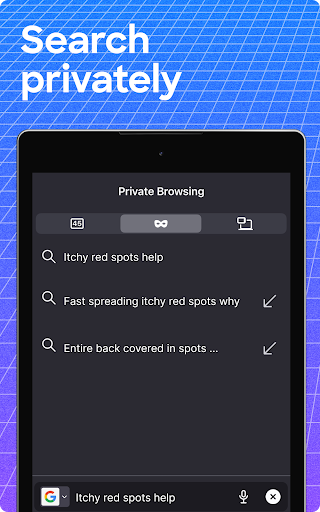
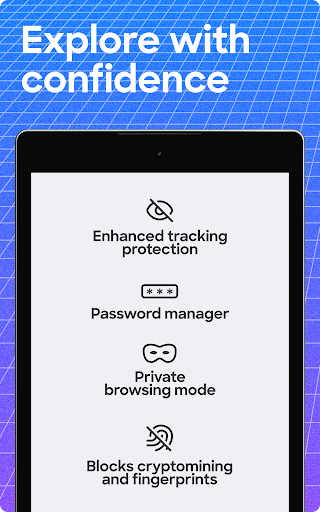
One of the standout features of Firefox Browser is its commitment to privacy and security. The app includes built-in tracking protection, which blocks third-party trackers from following your online activity. This ensures that your personal data remains private, even when you're browsing on public Wi-Fi networks. Additionally, Firefox offers a private browsing mode that doesn't save your history, cookies, or search data, giving you peace of mind when you need it most.
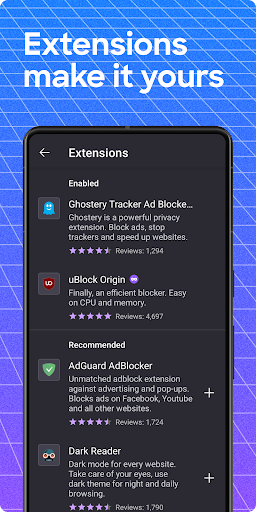
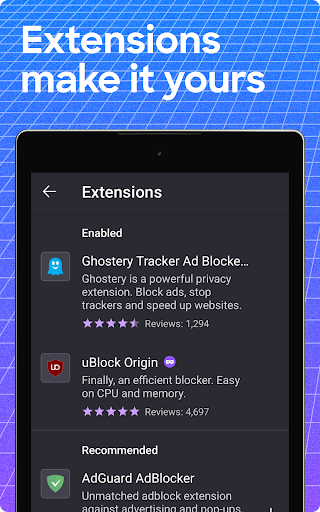
Another major advantage of Firefox Browser is its extensive library of add-ons and extensions. Unlike many other mobile browsers, Firefox allows you to customize your experience with a wide range of extensions, from ad blockers to password managers. This level of customization is rare in mobile browsers and makes Firefox a top choice for users who want to tailor their browsing experience to their specific needs.
Performance and Speed
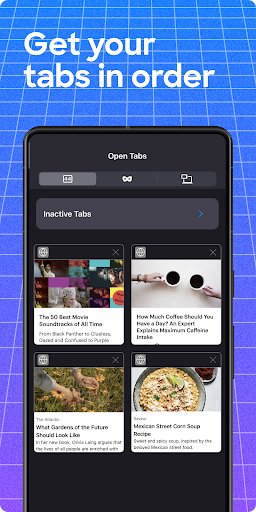
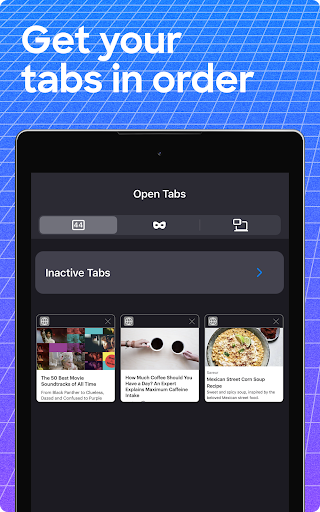
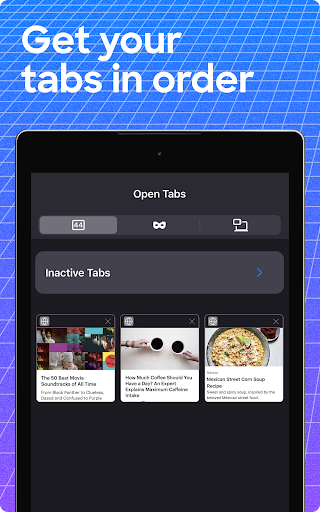
When it comes to performance, Firefox Browser doesn't disappoint. The app is designed to be fast and efficient, with a streamlined interface that makes it easy to navigate even on slower devices. Firefox's Quantum engine ensures that pages load quickly, and the browser's memory usage is optimized to prevent slowdowns, even when you have multiple tabs open. Whether you're streaming videos, shopping online, or reading articles, Firefox delivers a smooth and responsive experience.
Cross-Device Syncing
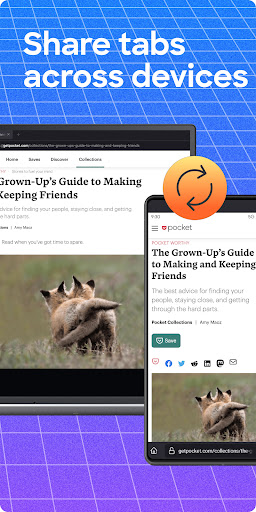
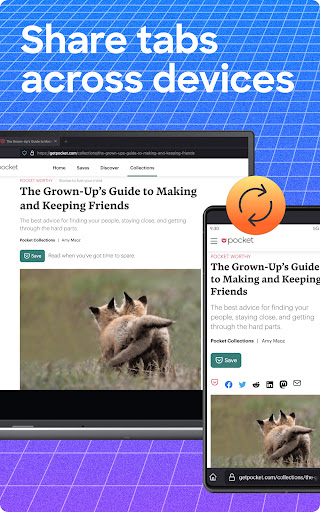
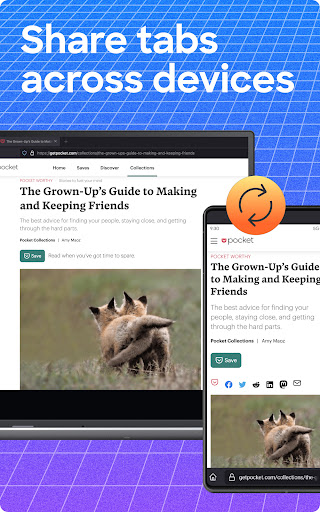
For users who rely on multiple devices, Firefox Browser offers seamless syncing across platforms. By creating a Firefox account, you can sync your bookmarks, history, passwords, and open tabs between your mobile device and desktop. This feature is particularly useful for those who frequently switch between devices and want to pick up where they left off. The syncing process is secure and encrypted, ensuring that your data remains protected at all times.
User-Friendly Interface
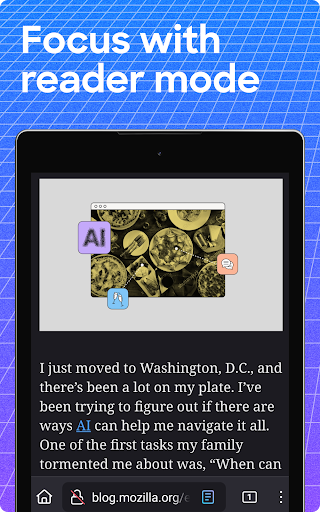
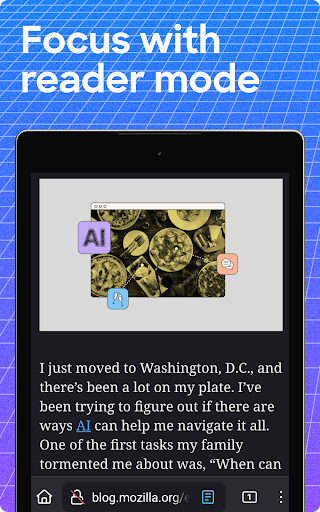
Firefox Browser boasts a clean and intuitive interface that makes it easy for users of all levels to navigate. The home screen provides quick access to your most visited sites, bookmarks, and recent tabs, while the address bar doubles as a search bar for added convenience. The browser also supports gesture controls, allowing you to swipe left or right to navigate between pages. For those who prefer a minimalist design, Firefox offers a "Reader Mode" that strips away distractions, making it easier to focus on the content you're reading.
Eco-Friendly Browsing
In an era where environmental concerns are increasingly important, Firefox Browser takes a step forward by offering an eco-friendly browsing experience. The app includes a feature called "Firefox Daylight," which reduces the energy consumption of your device by optimizing the way web pages are rendered. This not only helps extend your battery life but also reduces your carbon footprint, making Firefox a great choice for environmentally conscious users.
Conclusion
Firefox Browser is a versatile and powerful mobile browser that caters to a wide range of users. With its strong emphasis on privacy, extensive customization options, and fast performance, it's no wonder that Firefox remains a popular choice in the competitive world of mobile browsing. Whether you're looking for a secure way to browse the web, a customizable experience, or a browser that syncs seamlessly across devices, Firefox has you covered. Give it a try and discover why it's one of the best browsers available today.
Latest Update: Mozilla Brings Free Offline Translation To Firefox
Mozilla has added an official translation tool to Firefox that doesn’t rely on cloud processing to do its work, instead performing the machine learning–based process right on your own computer. The translation tool, called Firefox Translations, can be added to your browser here.


