TapScanner
- 1.42K
- 4.1
- Installs
- 340.00M
- Version
- Varies with device

Screenshots
Introduction: The Ultimate Document Scanning Companion
In today’s fast-paced digital world, the ability to quickly and accurately convert physical documents into high-quality digital files is no longer a luxury—it’s a necessity. Enter TapScanner, a mobile app that redefines the document scanning experience with its blend of precision, speed, and user-friendly design. Whether you’re a busy professional, a student juggling assignments, or a small business owner managing receipts, TapScanner offers a seamless solution that stands out in a crowded market of scanning tools. With its advanced features and intuitive interface, this app positions itself as a must-have utility for anyone looking to streamline their workflow.
Effortless Scanning with Cutting-Edge Technology
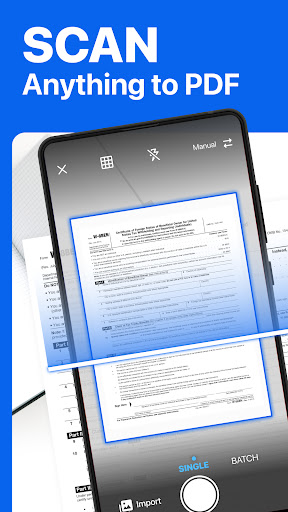
At the heart of TapScanner is its powerful scanning engine, which leverages AI-driven algorithms to deliver exceptional results. Unlike basic scanner apps that produce blurry or skewed images, TapScanner automatically detects document edges, corrects perspective, and enhances clarity. The app supports multiple scanning modes, including single-page, multi-page, and batch scanning, allowing you to handle everything from a single receipt to a stack of contracts in minutes. Users can choose from color, grayscale, or black-and-white outputs, ensuring that each scan meets specific needs—whether for archiving, sharing, or printing. This level of precision makes it a competitive alternative to traditional hardware scanners, saving both time and storage space.
Versatile Export and Integration Options
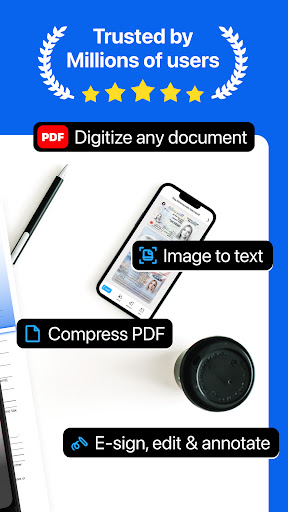
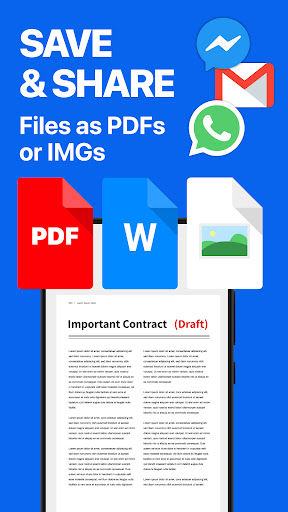
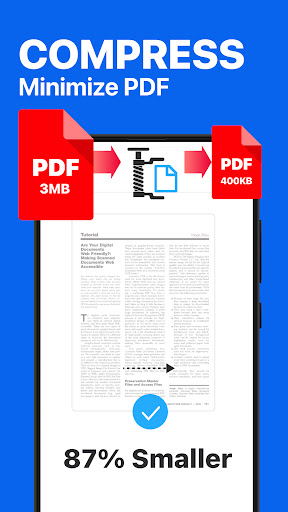
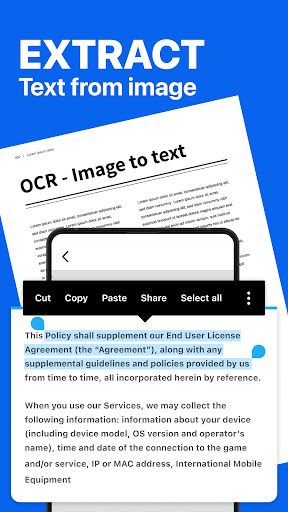
One of TapScanner’s standout features is its robust export and integration capabilities. After scanning, you can save documents as PDFs, JPEGs, or PNGs, with options to compress files without sacrificing quality. The app seamlessly connects with cloud services like Google Drive, Dropbox, and OneDrive, enabling instant backup and cross-device accessibility. For professionals who rely on collaboration, TapScanner supports direct sharing via email, messaging apps, or even QR code generation. This flexibility ensures that your documents are always within reach, whether you’re presenting to a client or submitting assignments online. Additionally, the app’s OCR (Optical Character Recognition) technology converts scanned text into editable and searchable formats, transforming static images into usable data—a game-changer for researchers and legal professionals.
User-Centric Design and Customization
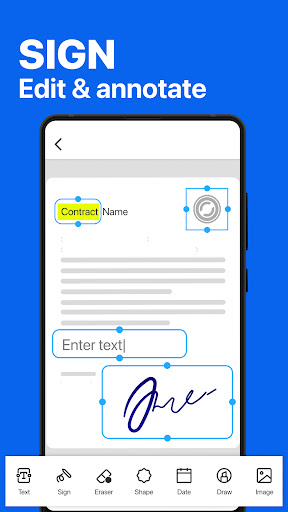
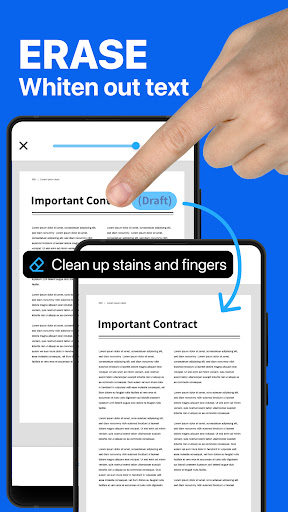
TapScanner excels in delivering a user experience that prioritizes efficiency and personalization. The interface is clean, with intuitive icons and a logical workflow that minimizes learning curves. Customizable features, such as setting default resolution, optional watermarking, and automatic naming conventions, allow users to tailor the app to their routines. The built-in editor offers tools for cropping, rotating, and adjusting brightness, giving you control over the final output without needing external software. Moreover, the app’s batch processing capability lets you rename multiple files at once or reorganize pages within a document, saving precious time during high-volume tasks. This attention to detail makes TapScanner accessible to tech novices while still satisfying the demands of power users.
Security and Performance: A Reliable Choice
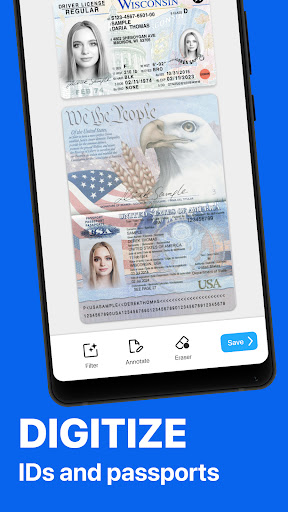
Data security is a top priority in any document management app, and TapScanner delivers with encryption for both stored files and transmitted data. The app requires minimal permissions, respecting user privacy while providing high-speed processing even on older devices. Performance-wise, TapScanner is optimized to handle large files without lag, with a stable camera autofocus that adapts to low lighting or uneven surfaces. Regular updates ensure compatibility with the latest iOS and Android versions, addressing bugs and introducing new features based on user feedback. This reliability positions TapScanner as a dependable tool for sensitive documents, such as contracts or personal ID cards, where accuracy and confidentiality are paramount.
Competitive Analysis: Why TapScanner Stands Out
Compared to rivals like Adobe Scan, Microsoft Lens, or CamScanner, TapScanner carves a niche with its balance of simplicity and advanced functionality. While Adobe Scan excels in OCR accuracy, it often demands a subscription for full features, whereas TapScanner offers a generous free tier with ad-supported usage. Microsoft Lens integrates tightly with Office apps but lacks the batch processing speed of TapScanner. Meanwhile, CamScanner’s premium tiers have faced scrutiny over data privacy, a concern TapScanner addresses transparently. The app’s unique selling points—such as its edge detection auto-correction, flexible QR sharing, and offline capabilities—make it a compelling choice for users who value efficiency without compromise.
Final Verdict: A Must-Have for Digital Productivity
TapScanner is more than just a scanning app; it’s a versatile productivity tool that adapts to diverse workflows. Its combination of AI-enhanced scanning, cloud integration, and user-centric design sets a high standard in the mobile utility space. Whether you’re digitizing business cards, organizing travel documents, or archiving personal notes, TapScanner performs consistently with minimal fuss. While no app is perfect—improvements could include deeper OCR language support or a built-in signature tool—TapScanner’s current offering is robust enough to handle most scenarios. For those seeking a reliable, cost-effective scanning solution, TapScanner earns a strong recommendation. Download it today and experience the future of document management in the palm of your hand.


