Samsung Notes
- 1.01K
- 4.1
- Installs
- 690.00M
- Version
- Varies with device

Screenshots






Introduction to Samsung Notes
Samsung Notes is a versatile and powerful note-taking app designed exclusively for Samsung devices. Whether you're jotting down quick ideas, creating detailed to-do lists, or sketching out creative designs, Samsung Notes offers a seamless experience that caters to both casual users and professionals alike. With its intuitive interface and robust features, this app has become a go-to tool for anyone looking to organize their thoughts and tasks efficiently.
Key Features of Samsung Notes
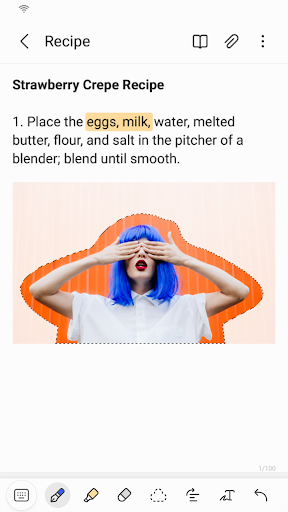
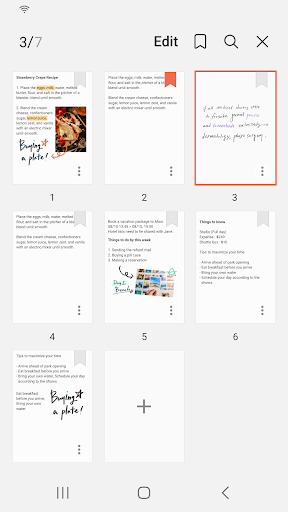
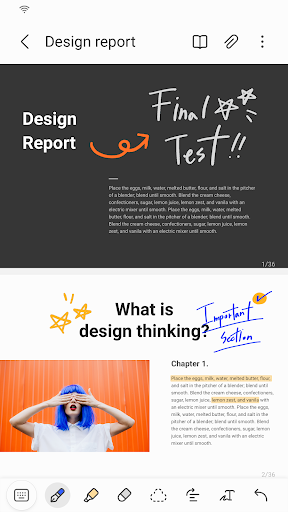
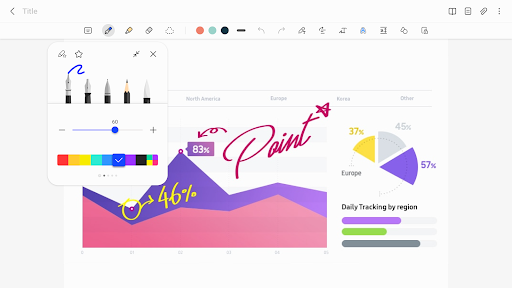
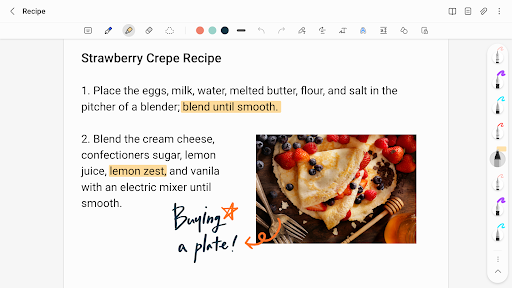
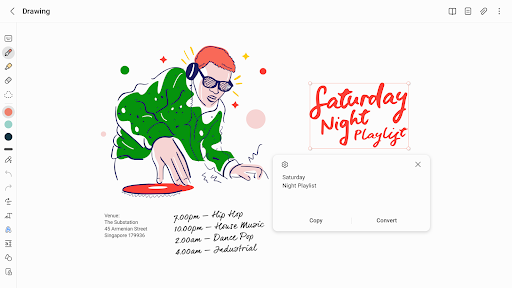
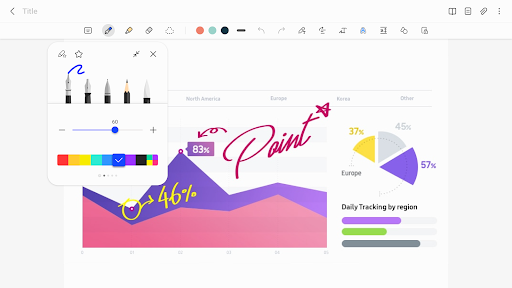
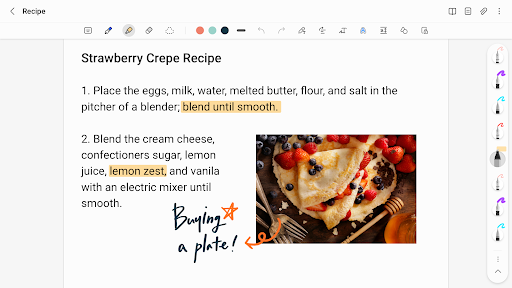
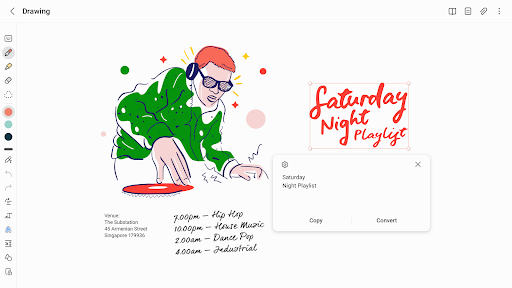
One of the standout features of Samsung Notes is its ability to handle various types of content. You can create text notes, handwritten notes, and even mix both within the same document. The app supports S Pen integration, making it incredibly easy to write or draw directly on your device's screen. Additionally, Samsung Notes allows you to insert images, audio recordings, and PDFs, making it a comprehensive tool for all your note-taking needs.
Another impressive feature is the app's synchronization capabilities. Samsung Notes seamlessly syncs across all your Samsung devices, ensuring that your notes are always accessible, whether you're on your phone, tablet, or PC. This cross-device functionality is particularly useful for users who rely on multiple devices throughout their day.
User Experience and Interface
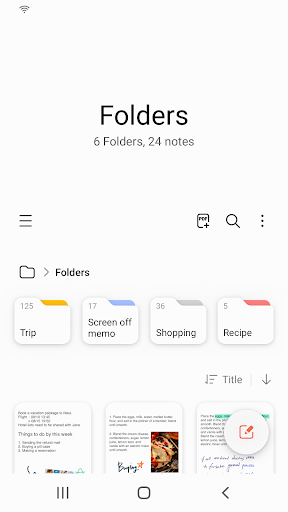
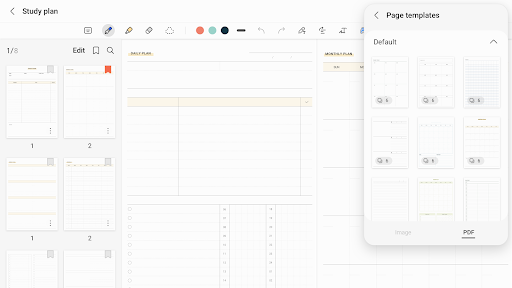
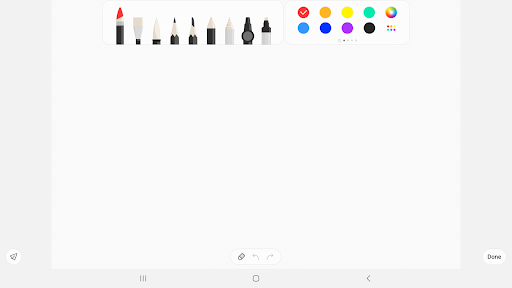
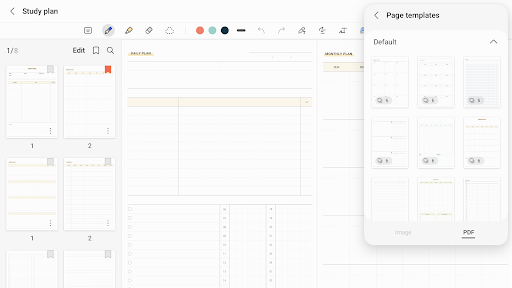
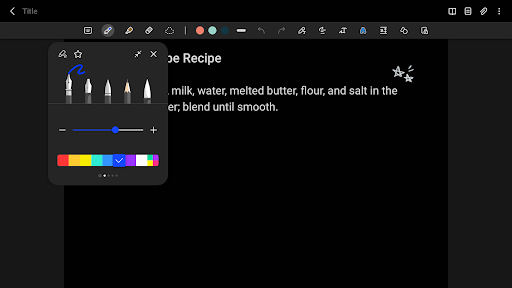
The user interface of Samsung Notes is clean, modern, and easy to navigate. The app's design is minimalistic, focusing on functionality without overwhelming the user with unnecessary clutter. The toolbar is well-organized, providing quick access to essential tools like the pen, eraser, and highlighter. The app also offers customizable templates, allowing you to tailor your notes to suit your specific needs.
One of the most appreciated aspects of Samsung Notes is its responsiveness. The app is optimized to work smoothly with the S Pen, offering a natural writing experience that feels almost like using a real pen and paper. The palm rejection technology ensures that your hand doesn't interfere with your writing, making it a joy to use for extended periods.
Advanced Features and Customization
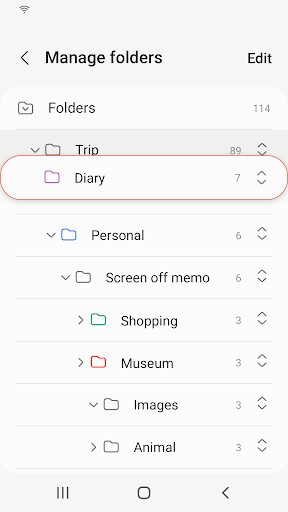
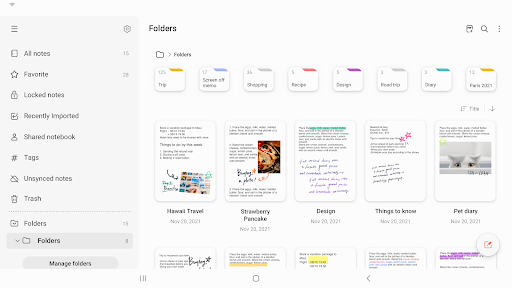
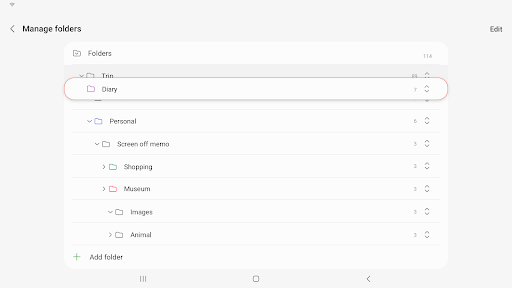
Samsung Notes goes beyond basic note-taking with its advanced features. The app includes a powerful search function that allows you to quickly find specific notes or keywords within your documents. You can also categorize your notes into folders, making it easier to organize and retrieve them later.
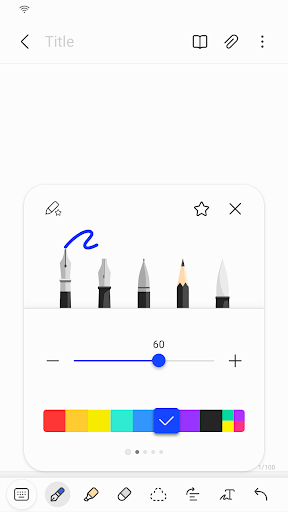
For those who enjoy customization, Samsung Notes offers a variety of pen types, colors, and thicknesses. You can even create your own custom pens, giving you the flexibility to match your writing style perfectly. The app also supports pressure sensitivity, allowing you to create more dynamic and expressive drawings.
Integration with Other Apps and Services
Samsung Notes integrates seamlessly with other Samsung apps and services, enhancing its overall utility. For instance, you can easily export your notes to Microsoft Word or PDF format, making it simple to share your work with others. The app also supports cloud storage, allowing you to back up your notes to Samsung Cloud or other cloud services like OneDrive and Google Drive.
Moreover, Samsung Notes works well with Samsung DeX, enabling you to use the app on a larger screen with a keyboard and mouse. This feature is particularly beneficial for users who need to work on more detailed or complex notes.
Conclusion
In conclusion, Samsung Notes is a highly capable and versatile note-taking app that stands out for its rich feature set, seamless synchronization, and excellent user experience. Whether you're a student, professional, or creative individual, Samsung Notes offers the tools you need to stay organized and productive. Its integration with Samsung's ecosystem and support for the S Pen make it a top choice for Samsung device users. If you're looking for a reliable and feature-rich note-taking app, Samsung Notes is definitely worth considering.


