Spotify Music
- 1.93K
- 4.9
- Installs
- 630.00M
- Version
- Varies with device

Screenshots








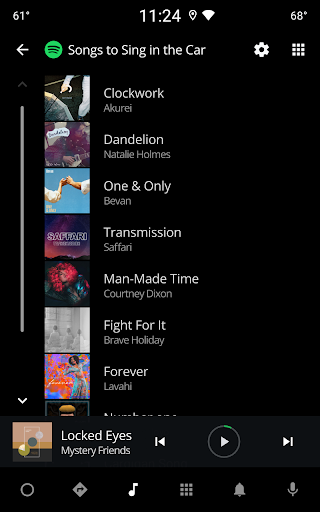
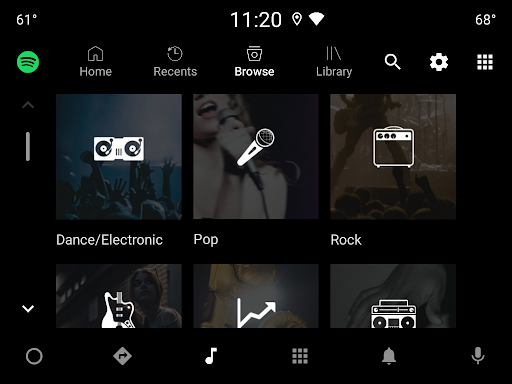
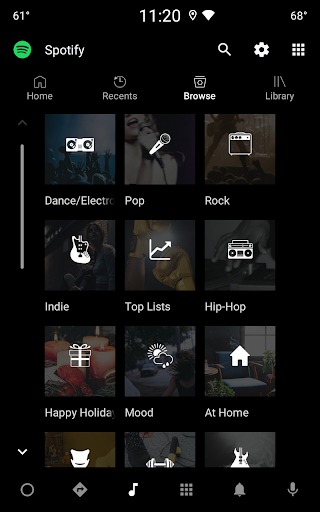


Introduction to Spotify Music
Spotify Music has revolutionized the way we listen to music, offering a vast library of songs, podcasts, and playlists at our fingertips. With its user-friendly interface and innovative features, Spotify has become a go-to platform for music lovers worldwide. Whether you're a casual listener or a hardcore music enthusiast, Spotify caters to all your audio needs.
Extensive Music Library
One of Spotify's standout features is its extensive music library. With millions of songs spanning various genres, artists, and languages, Spotify ensures that there's something for everyone. From the latest chart-toppers to timeless classics, you can explore and discover new music effortlessly. The platform also regularly updates its library, ensuring that users have access to the newest releases.
Personalized Playlists
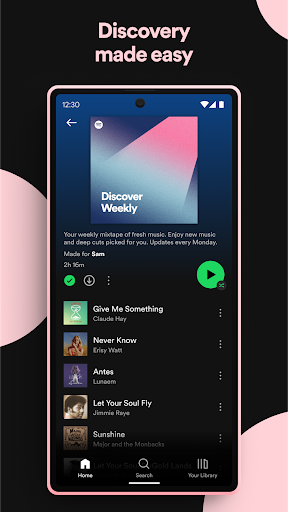
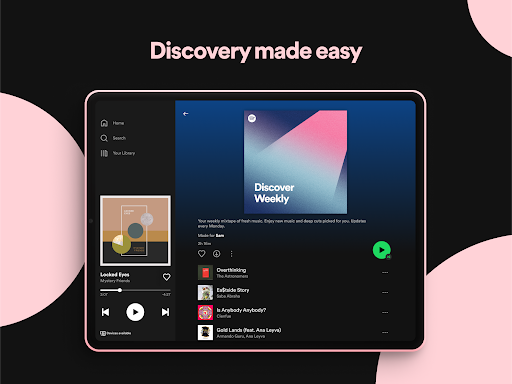
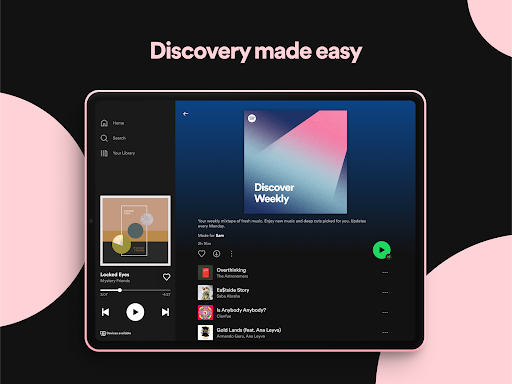
Spotify takes personalization to the next level with its curated playlists. The app's algorithm analyzes your listening habits and creates playlists tailored to your taste. Discover Weekly and Release Radar are two popular features that introduce you to new music based on your preferences. Additionally, Spotify offers a wide range of pre-made playlists for different moods, activities, and genres, making it easy to find the perfect soundtrack for any moment.
Podcasts and Audiobooks
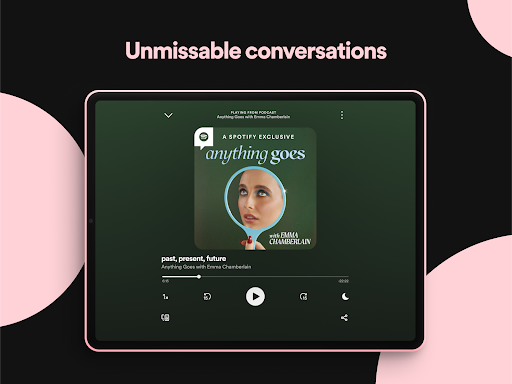
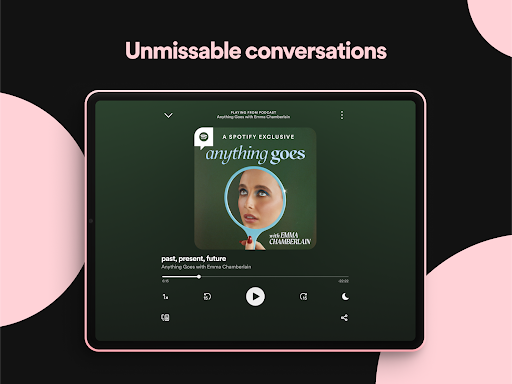
Beyond music, Spotify has become a hub for podcasts and audiobooks. The platform hosts a diverse array of podcasts covering topics from true crime to self-help, ensuring that there's something for every interest. Spotify's exclusive podcast deals with popular creators and networks further enhance its appeal. Moreover, the app has started venturing into audiobooks, offering a growing selection of titles for users to enjoy.
User-Friendly Interface
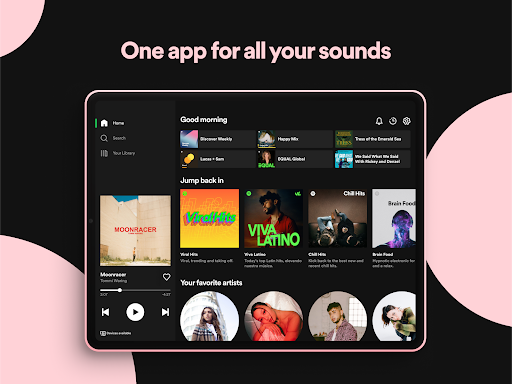
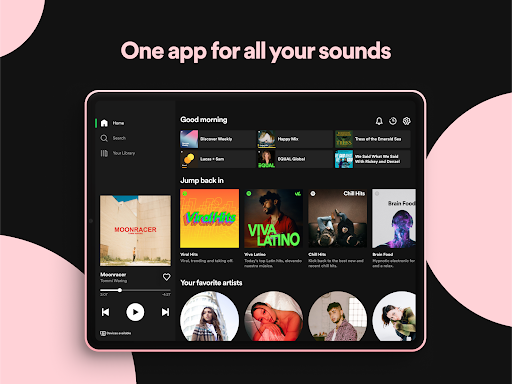
Spotify's interface is designed with the user in mind. The app's layout is intuitive and easy to navigate, allowing users to quickly find their favorite songs, playlists, and podcasts. The search function is robust, enabling users to discover content by artist, album, genre, or even lyrics. Additionally, Spotify's dark mode option provides a sleek and eye-friendly experience, especially during nighttime listening.
Cross-Platform Compatibility
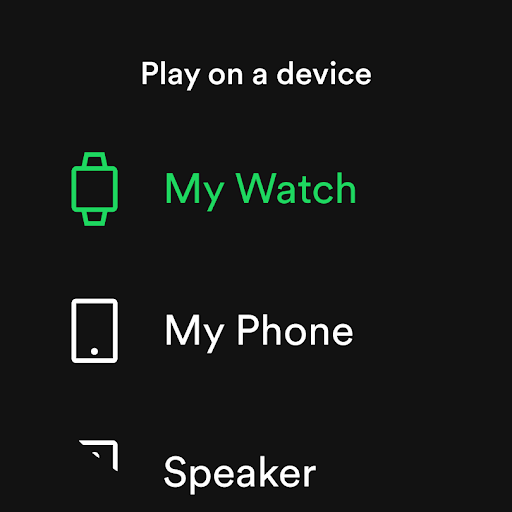
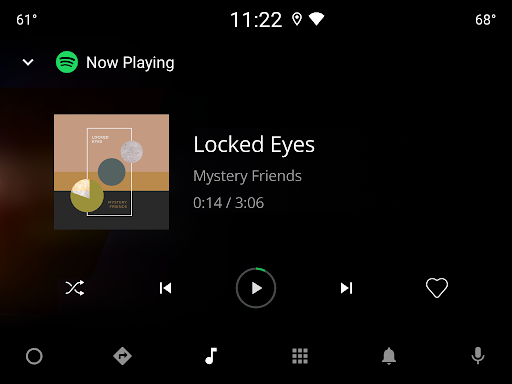
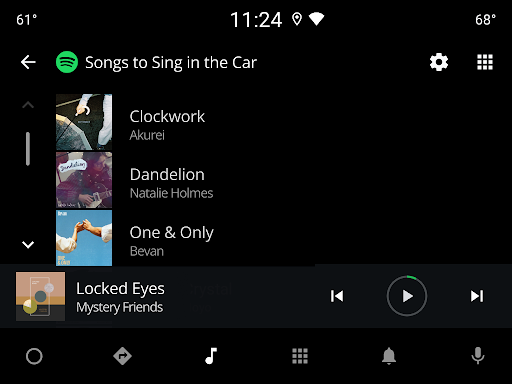
Spotify's cross-platform compatibility is another major advantage. The app is available on a wide range of devices, including smartphones, tablets, desktops, and smart speakers. This seamless integration allows users to switch between devices without missing a beat. Spotify Connect further enhances this experience by enabling users to control playback on one device using another, making it easy to transition from your phone to your smart speaker or TV.
Offline Listening
For users on the go, Spotify offers offline listening capabilities. With a premium subscription, you can download your favorite songs, playlists, and podcasts to your device and enjoy them without an internet connection. This feature is particularly useful for travelers or those with limited data plans, ensuring uninterrupted access to your audio content.
Social Sharing and Collaboration
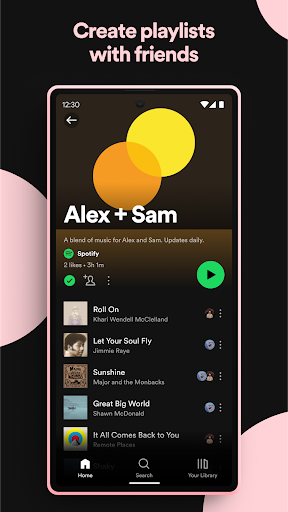
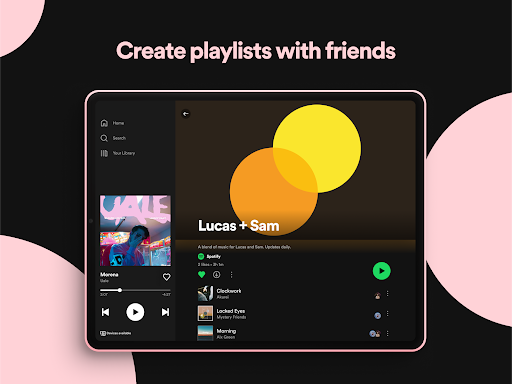
Spotify makes music a social experience with its sharing and collaboration features. Users can share their favorite songs, playlists, and podcasts with friends via social media or direct links. Collaborative playlists allow multiple users to contribute and curate a shared playlist, making it a fun way to discover new music with friends. Additionally, Spotify's integration with social media platforms like Facebook and Instagram enables users to showcase their musical tastes and connect with others.
Premium Features
While Spotify offers a free tier with ads, upgrading to Spotify Premium unlocks a host of additional features. Premium users enjoy ad-free listening, higher audio quality, and the ability to skip tracks without limits. The premium subscription also includes offline downloads and access to exclusive content, making it a worthwhile investment for serious music lovers.
Conclusion
Spotify Music stands out as a leading music streaming platform, offering an unparalleled combination of a vast music library, personalized playlists, and innovative features. Its user-friendly interface, cross-platform compatibility, and social sharing capabilities make it a top choice for music enthusiasts. Whether you're exploring new genres, catching up on podcasts, or creating collaborative playlists, Spotify provides a rich and immersive audio experience. With its continuous updates and commitment to user satisfaction, Spotify remains at the forefront of the music streaming industry.


