New York Subway
- 1.98K
- 4.2
- Installs
- 720.00M
- Version
- Varies with device

Screenshots




Pros
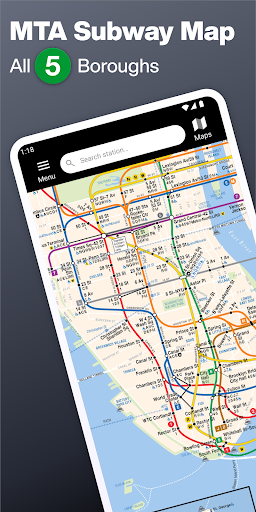
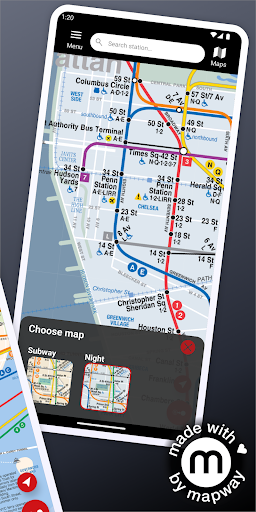
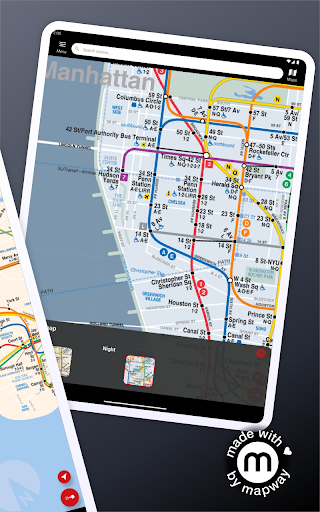
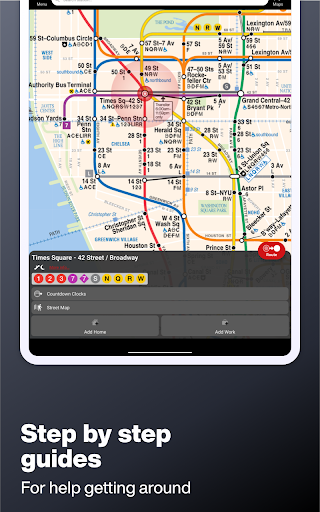
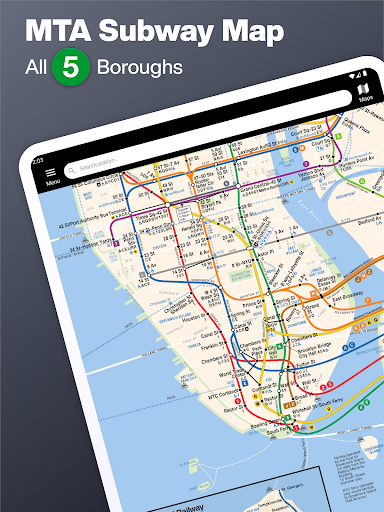
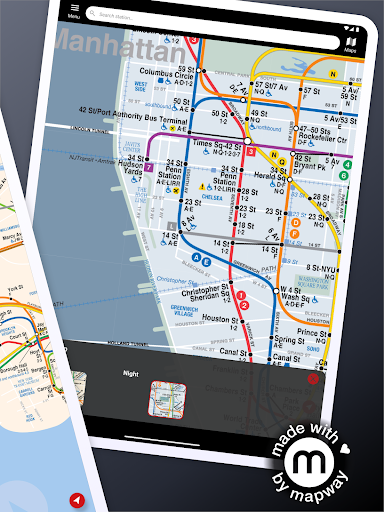
Comprehensive offline MTA map and clear visual layout make navigating New York easy. The app displays all subway lines, stations and connections in a clean, color-coded interface that works without data, perfect for commuters and visitors who need dependable maps, fast station lookup, and readable route overviews at a glance.
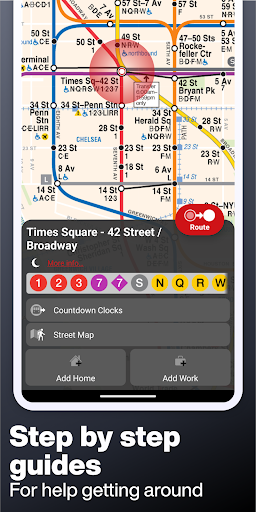
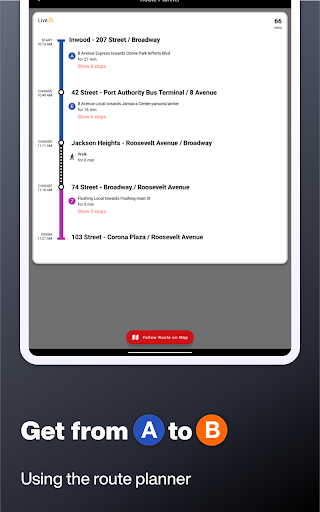
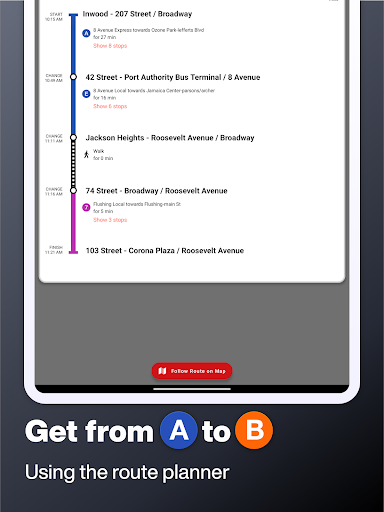
Smart route planning delivers step-by-step directions, estimated travel times and suggested transfers to get you where you’re going efficiently. Search by station or address for optimized itineraries, alternative routes during service changes, and quick comparisons so users can choose the fastest, simplest, or least-walk option for any trip.
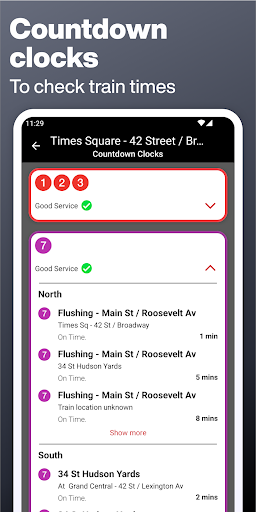
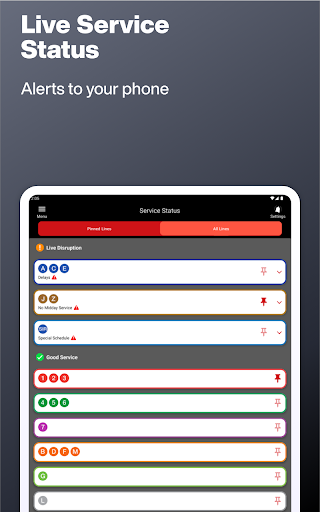
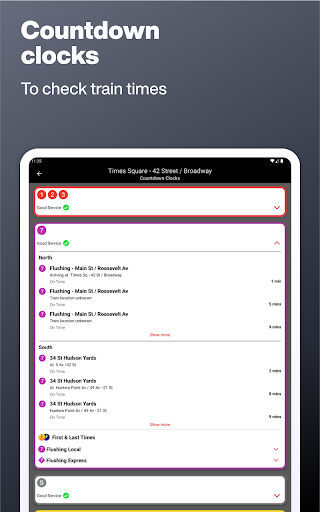
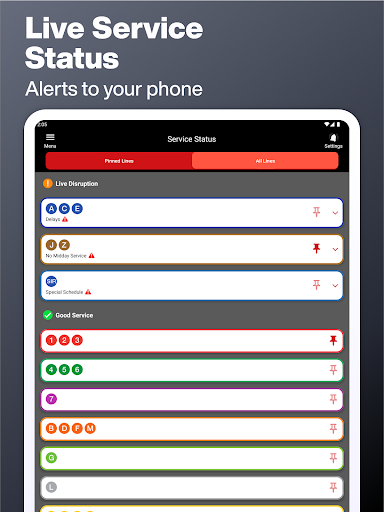
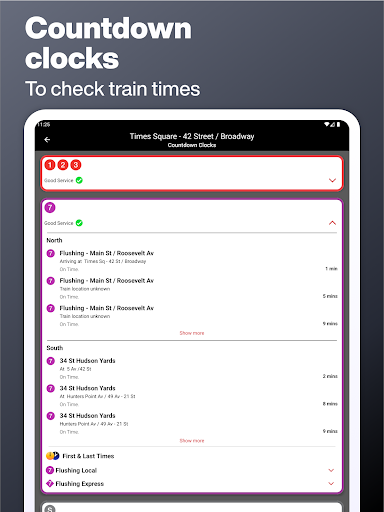
Real-time service alerts and live status updates keep riders informed about delays, planned work and disruptions. Customizable notifications, saved favorites, and nearby station/entrance search reduce surprises, while included station accessibility details help travelers plan accessible routes and make daily commutes and visits more reliable and stress-free.
Cons
Real-time service updates and disruption alerts can be limited or delayed, leaving riders without accurate information during sudden delays or reroutes. Reliance on third-party sources means live status isn’t always timely, which can lead to missed connections or confusion during peak disruptions.
Offline functionality is restricted: while static maps may be viewable, live schedules, service changes and step-by-step routing typically require an internet connection. Travelers relying on downloaded content may find accessibility details, elevator outages, and real-time reroutes unavailable when they need them most.
The interface can feel cluttered for new users, with occasional ads and prompts for in-app purchases interrupting navigation. Trip-planning tools and multimodal integration are often more basic than in comprehensive transit apps, so users needing advanced routing or seamless connections may find it insufficient.


