
EasyCast - Mirror Display
for Windows- Name EasyCast - Mirror Display
- Category Utilities & tools
- Downloads 110,000,000+
- Developer Hao Cai
- Available on Xbox console, PC, Mobile, Surface Hub, HoloLens
- OS Windows 10 version 16299.0 or higher
- Architecture x86, x64, Arm, Arm64
Pros
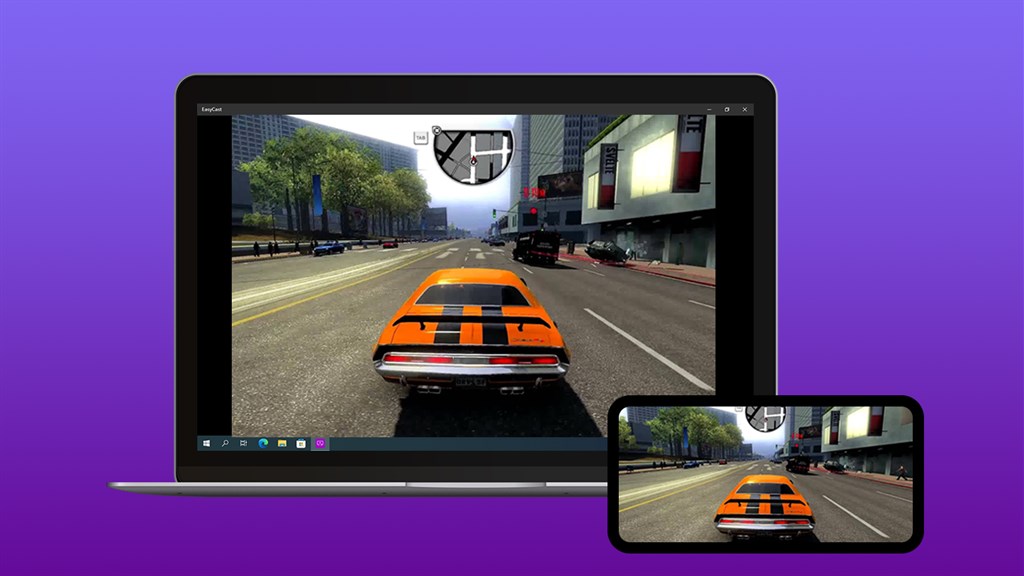
1. EasyCast - Mirror Display software for PC allows users to wirelessly mirror their PC screen onto a larger display, enabling convenient presentations, remote collaboration, and enhanced viewing experiences.
2. With EasyCast, users can seamlessly stream videos, movies, and other multimedia content from their PC to a larger display, eliminating the need for cumbersome cables and ensuring a smooth and uninterrupted viewing experience.
3. EasyCast supports multiple device compatibility, making it easy to connect and mirror displays across different platforms, including Windows, Mac, iOS, and Android, increasing flexibility and convenience for users.
Cons
1. Limited compatibility: EasyCast - Mirror Display software for PC may not be compatible with all devices and operating systems, restricting its usability and creating compatibility issues when trying to mirror certain screens.
2. Inconsistent performance: Users have reported inconsistent performance with the EasyCast - Mirror Display software, with occasional lags and freezes during screen mirroring, compromising the overall experience and functionality.
3. Lack of features: Compared to other screen mirroring software, EasyCast - Mirror Display offers limited features and customization options, limiting the user's ability to optimize the mirroring experience and meet their specific needs.


