
Luminar Neo - AI Photo Editor
for Windows- Name Luminar Neo - AI Photo Editor
- Category Photo & video
- Downloads 17,000,000+
- Developer Skylum Software USA, Inc.
- Available on PC
- OS Windows 10 version 17763.0 or higher
- Architecture x64, Arm64
- Mouse Integrated Mouse
- Memory 8 GB
- Keyboard Not specified
- Processor CPU Intel® Core™ i5, AMD Ryzen™ 5
- Graphics Processor Open GL 3.3








Pros
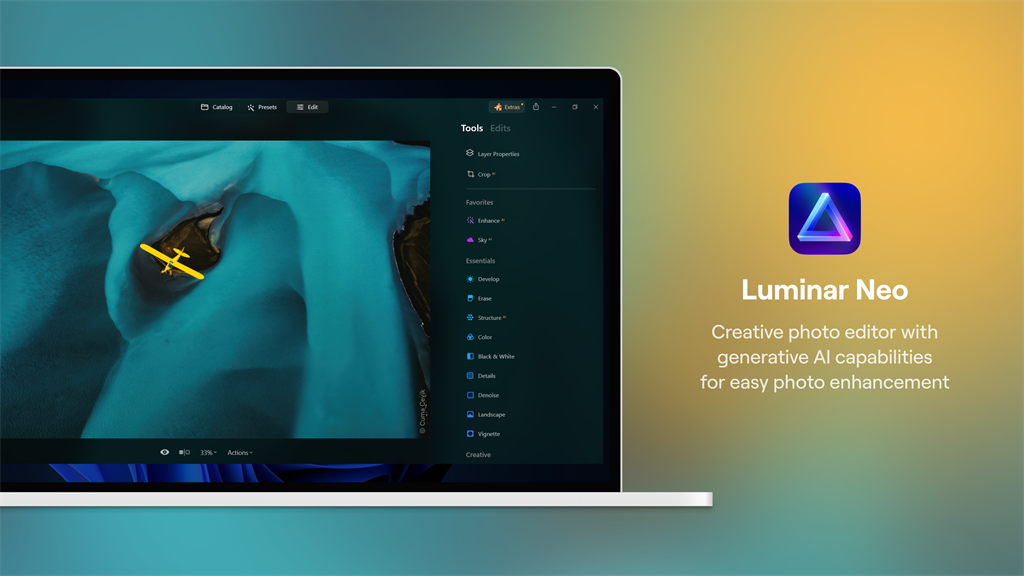
1. Powerful AI Editing: Luminar Neo utilizes advanced AI technology to offer automated and precise photo editing. Its AI tools can enhance colors, remove imperfections, and adjust lighting to achieve professional-quality results effortlessly.
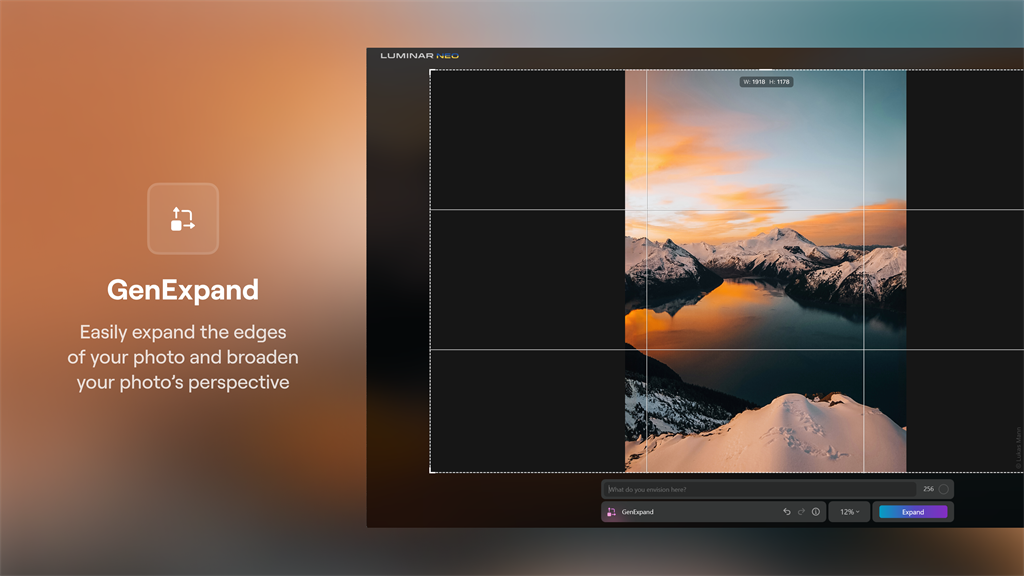
2. Creative Possibilities: With an array of innovative features and effects, Luminar Neo enables users to experiment and create stunning visual compositions. From AI Sky Replacement to texture overlays, it offers endless creative possibilities and makes editing inspiring and enjoyable.
3. Seamless Integration: Luminar Neo seamlessly integrates with existing workflows, supporting popular editing software like Lightroom, Photoshop, and Apple Photos. This efficient integration ensures a smooth transition for photographers who already rely on other editing tools, making it easy to incorporate Luminar Neo into their existing workflow.
Cons
1. Limited editing capabilities: Luminar Neo may lack advanced features like object removal or selective adjustments, limiting its overall functionality and versatility compared to other photo editing software options for PC.
2. Steep learning curve: The software can be complex to navigate, making it less user-friendly for beginners or those without prior photo editing experience.
3. System requirements: Luminar Neo may require higher processing power and memory, potentially limiting its usage on lower-end PCs and causing slower performance or compatibility issues.


