
Microsoft Sticky Notes
for Windows- Name Microsoft Sticky Notes
- Category Utilities & tools
- Downloads 89,000,000+
- Developer Microsoft Corporation
- Available on PC
- OS Windows 10 version 18362.0 or higher
- Architecture x86, x86, x64, x64, Arm64, Arm64
- Keyboard Integrated Keyboard
- Notes Not specified
Pros
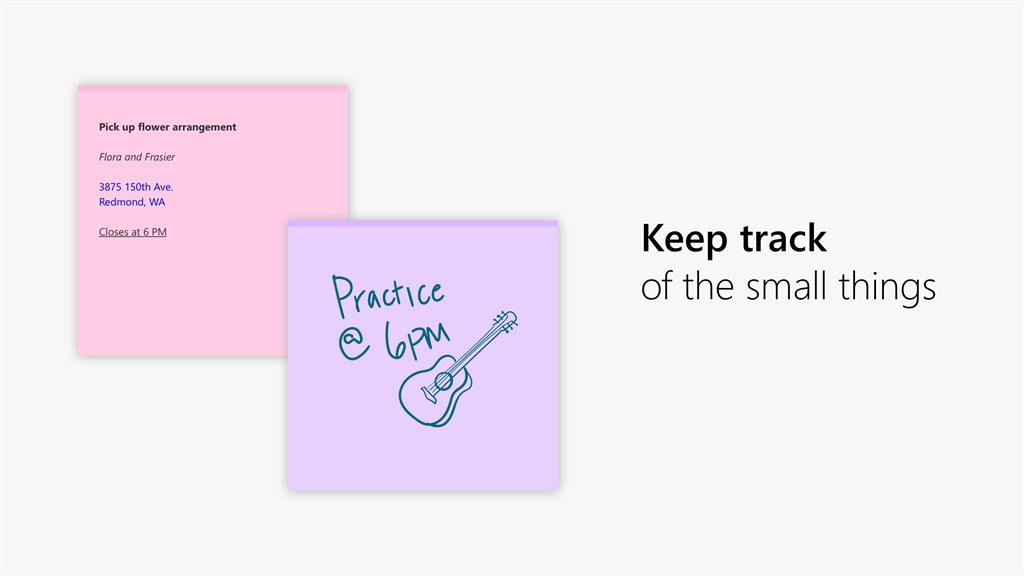
1. Easy organization: Microsoft Sticky Notes allows you to create and arrange multiple virtual sticky notes on your computer desktop, helping you stay organized and ensuring important information is easily accessible.
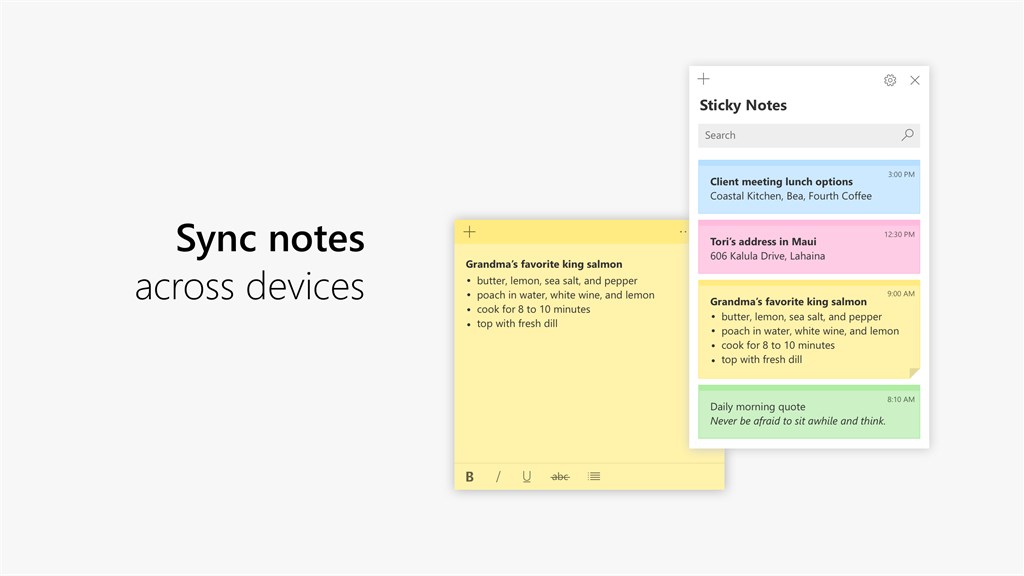
2. Sync across devices: With its cloud sync feature, this software allows you to access and edit your sticky notes from different devices, including your PC, smartphone, and tablet, ensuring you never miss important reminders or tasks.
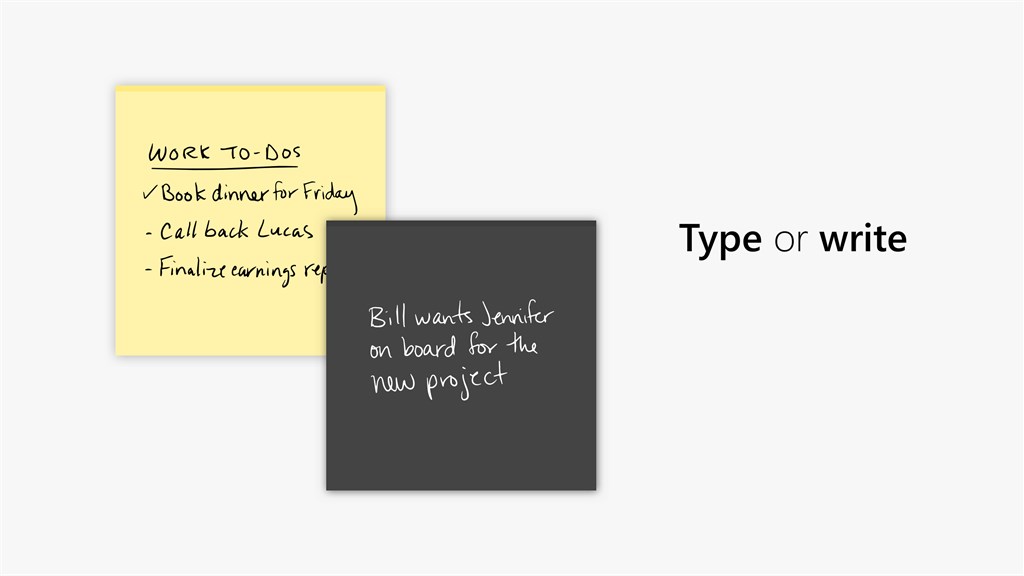
3. Time-saving shortcuts: Microsoft Sticky Notes provides time-saving shortcuts and keyboard commands, allowing you to quickly format text, create checklists, set reminders, and more, without the need for complex menu navigation or extensive typing.
Cons
1. Lack of synchronization: The Microsoft Sticky Notes software for PC does not have a built-in synchronization feature, making it difficult to access and update notes across different devices.
2. Limited formatting options: Users are restricted to basic formatting options such as font style and size in the software, limiting customization and organization possibilities for notes.
3. No collaboration features: The software lacks collaboration features, such as sharing and collaborative editing, which hinders teamwork and makes it challenging to share notes with others.


