
HyperX NGENUITY
for Windows- Name HyperX NGENUITY
- Category Utilities & tools
- Downloads 52,000,000+
- Developer HP Inc.
- Available on PC
- OS Windows 10 version 17763.0 or higher
- Architecture x64
- Keyboard Not specified
- Mouse Not specified
- Notes Not specified
Pros
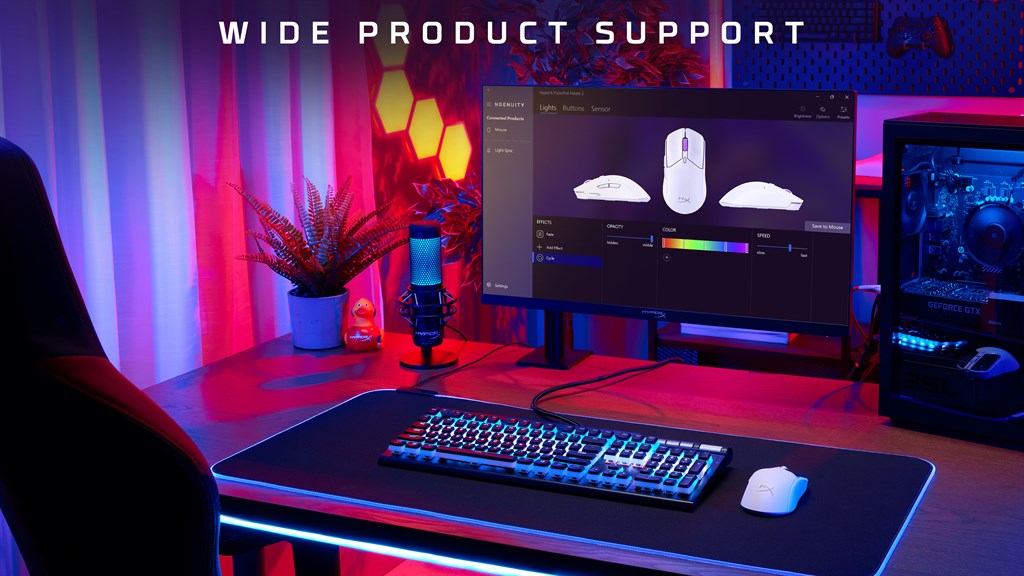
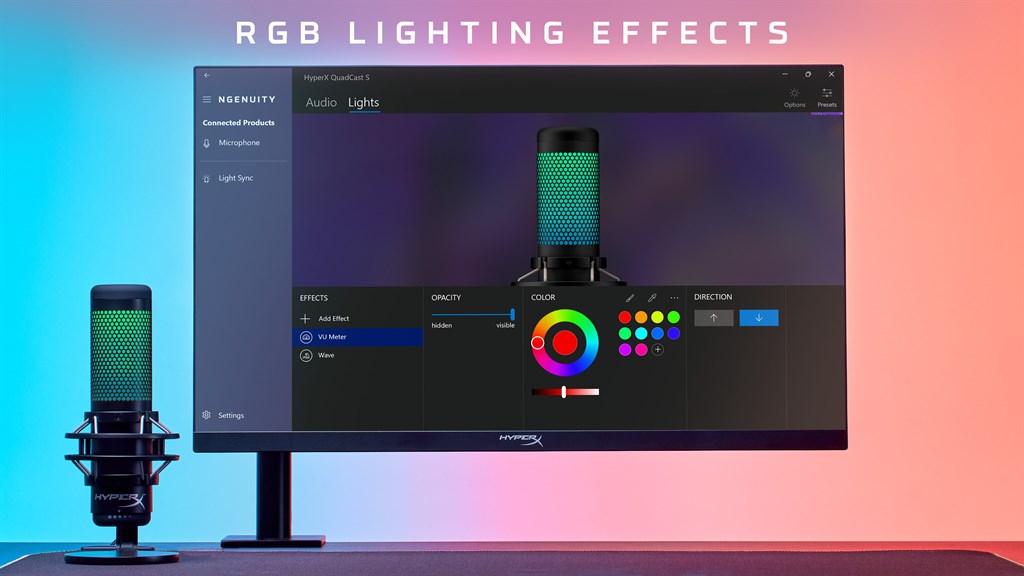
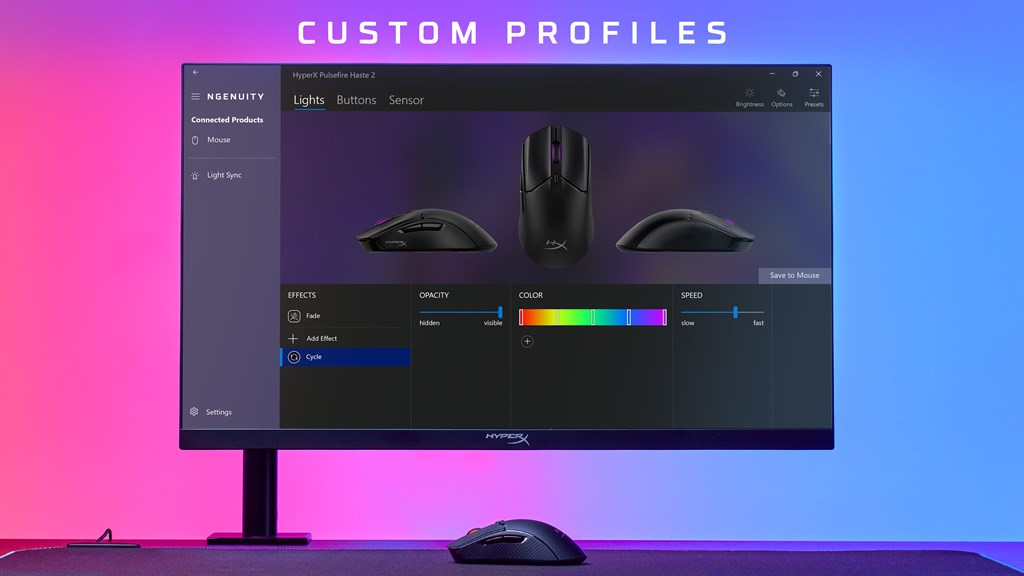
1. Customizable RGB Lighting: With HyperX NGENUITY software, users can personalize their PC's RGB lighting to match their style and preferences, creating a visually stunning and immersive gaming experience.
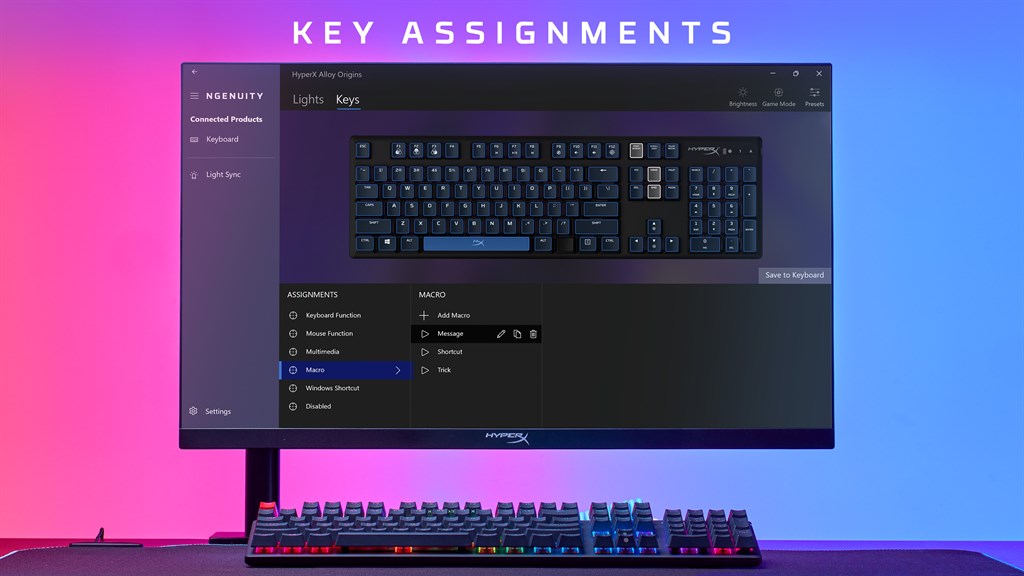
2. Advanced Macro Programming: The software allows users to assign complex macros to their HyperX peripherals, streamlining repetitive tasks and providing an added edge in gaming and productivity.
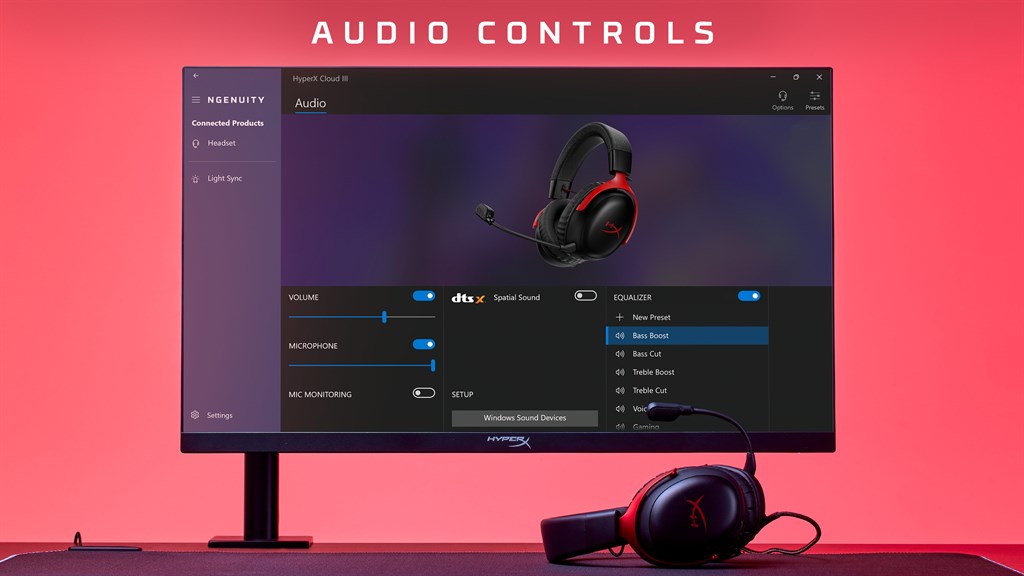
3. Easy Control and Monitoring: HyperX NGENUITY software provides a user-friendly interface that allows users to effortlessly control and monitor their HyperX devices, ensuring optimal performance and customization with just a few clicks.
Cons
1. Limited device compatibility: The HyperX NGENUITY software is only compatible with a select range of HyperX gaming peripherals, which can limit its usefulness for users who own other brands or models of PC accessories.
2. Occasional technical issues: Some users have reported experiencing bugs, crashes, and connectivity problems when using the HyperX NGENUITY software, which can lead to frustrating experiences and hinder the overall functionality of the gaming peripherals.
3. Lack of advanced customization options: While the software offers basic customization features such as RGB lighting control and macro programming, it lacks more advanced customization options like deep button remapping or advanced macro scripting, making it less suitable for users seeking extensive control over their gaming peripherals.


